I’ve installed, tested, and troubleshooted more lighting systems than I can count. From budget-friendly Wi-Fi bulbs to complex, custom-programmed solutions, I’ve seen it all. Yet, one name consistently comes up in every conversation about smart lighting: Philips Hue. It’s often hailed as the gold standard, but it also comes with a notoriously premium price tag. The internet is flooded with “first impression” videos and unboxing reviews, but how does it actually hold up to the rigors of daily life?
To answer that, I decided to do what I do for my clients: put it to a real-world, long-term test. I purchased a standard Philips Hue White and Color Ambiance Starter Kit six months ago and have used it as the primary lighting source in my own living room and office ever since. This isn’t a review based on a weekend of testing. This is an in-depth look at the daily performance, the hidden strengths, the minor annoyances, and the ultimate question: After half a year, do I believe it’s worth your money? Let’s dive in.
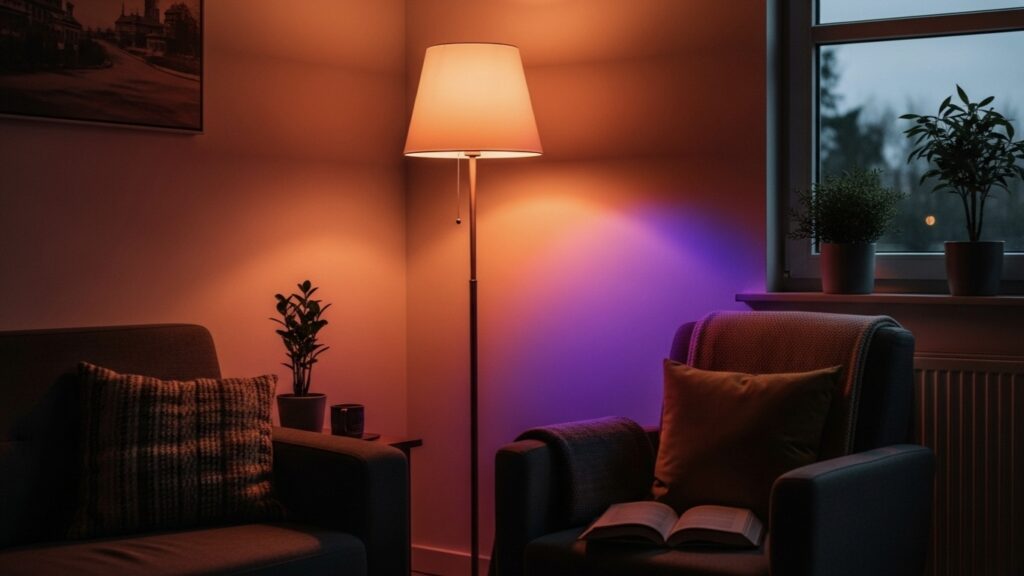
First Impressions: The Famously Simple 10-Minute Setup
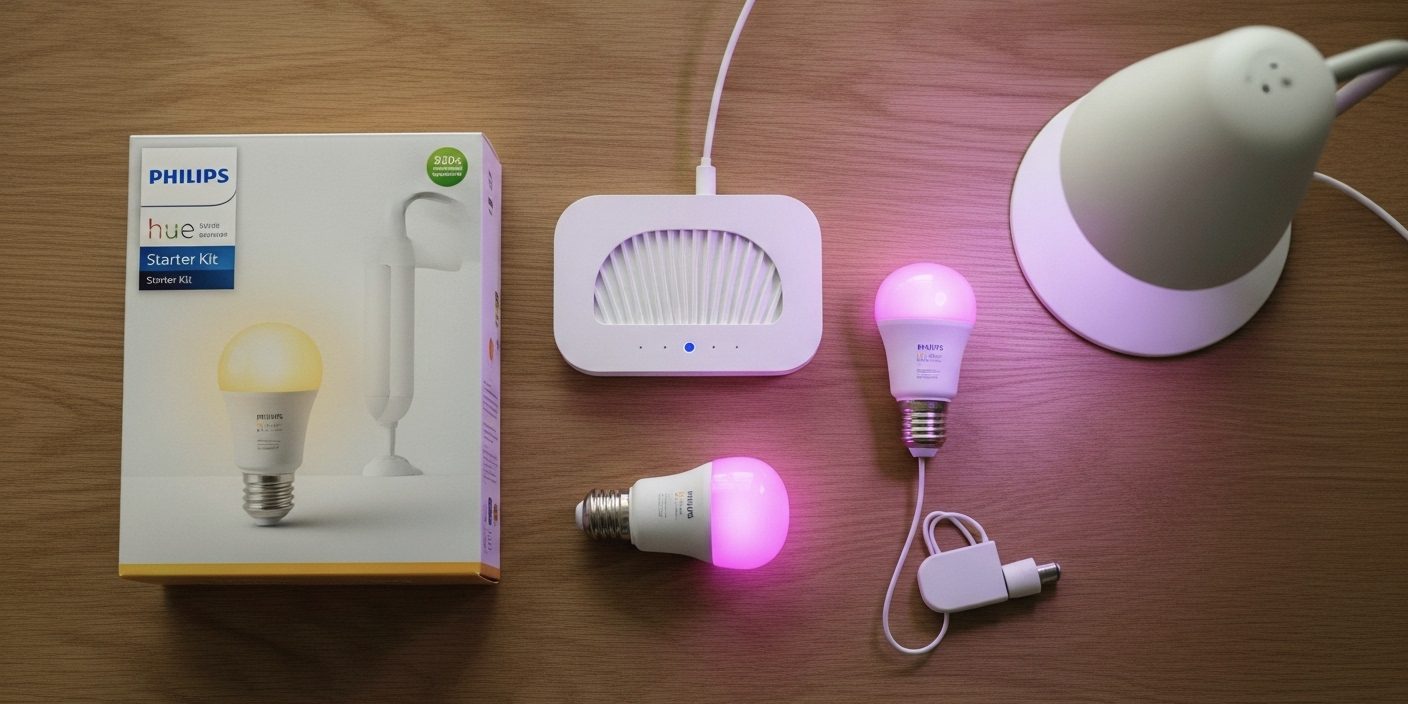
The Starter Kit typically arrives with the essentials: two or three color-capable bulbs and the small, square Hue Bridge. My first test for any product is the out-of-box experience, an area where many smart devices stumble. I’m happy to report that Hue’s reputation for simplicity is well-earned. The entire process, from opening the box to full functionality, took less than 10 minutes.
Here’s the breakdown of just how easy it was:
- Screw in the Bulbs: This is as straightforward as it sounds. I replaced my existing “dumb” bulbs in my office lamp and two living room fixtures. I made sure to leave the physical light switches in the “on” position.
- Connect the Hue Bridge: This is the heart of the system. I plugged the Bridge into a power outlet and connected it to a spare port on my home’s Wi-Fi router using the included Ethernet cable.
- Sync with the App: After downloading the Philips Hue app, it immediately began searching for a Bridge. Once found, the app prompted me to “press the big button” on top of the physical Bridge. I did, and that was it. The system was synced. The app then automatically discovered the new bulbs.
From a professional standpoint, this process is a dream. Unlike Wi-Fi bulbs that require you to connect each bulb individually to your network (a process that can often fail), the Hue system connects only one device—the Bridge—to your router. The bulbs then communicate with the Bridge using their own dedicated Zigbee mesh network. This architecture is the key to Hue’s stability, and the setup process makes it foolproof even for a complete novice.
Living with Hue: How It Performed Over 6 Months
A product can have a great setup, but long-term performance is what truly matters. This is where the price of the Hue system begins to justify itself.
Reliability: The 99.9% “It Just Works” Factor
This is, without a doubt, the single most impressive aspect of the Philips Hue system. In six months of daily, heavy use—turning on and off dozens of times a day, changing scenes, running automations—I can count the number of times a command failed on one hand. And in those rare instances, the issue was my internet connection, not the Hue system itself. The lights have never once become “unresponsive” or dropped off their network, a common and infuriating complaint I hear from clients using cheaper Wi–Fi-only bulbs.
This rock-solid reliability is thanks to the Hue Bridge and the Zigbee protocol. By creating its own dedicated network for the lights, it avoids the congestion and instability of a crowded home Wi-Fi network. When you hit a button in the app or ask Alexa to turn on the lights, the command is executed locally with near-zero latency. It’s fast, consistent, and incredibly dependable.
Light Quality and Color Accuracy
The second area where Hue shines is the quality of the light itself. The “White and Color Ambiance” bulbs are phenomenal. The range of whites—from a warm, cozy 2000K candle-like glow to a stark, blue-toned 6500K daylight for focused work—is exceptional. The dimming is smooth, with no flickering or buzzing at any brightness level.
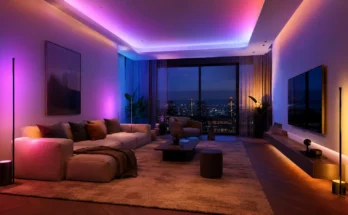
But the colors are the main event. Cheaper RGB bulbs often produce washed-out or inaccurate colors. Their “red” might look magenta, their “green” might have a sickly yellow tint. The Hue bulbs produce deep, richly saturated colors across the entire spectrum. Setting up a “Movie Night” scene with deep blues and oranges, or a “Cyberpunk” scene with vibrant pinks and teals, creates a genuinely immersive atmosphere that lesser bulbs simply can’t replicate. The quality is tangible.
The Hue App and Ecosystem: Where Your Money Really Goes
When you buy a Hue Starter Kit, you’re not just buying hardware. You’re buying into a mature, feature-rich, and widely supported software platform. This ecosystem is what truly separates Hue from the pack.
The Official Hue App
The app is powerful yet intuitive. You can easily group lights into rooms, create custom scenes, and set up simple automations. The “Wake Up” routine, which slowly brightens the lights in the morning to simulate a sunrise, has become a favorite of mine. The app also features “Hue Labs,” a section with experimental formulas and features created by the Hue community, which adds another layer of customization for enthusiasts.
Third-Party Integrations & The “Fun Factor”
This is where Hue laps the competition. The “Friends of Hue” program means it integrates seamlessly with virtually every smart home platform and countless other apps. My favorite integrations include:
- Spotify: The official Hue + Spotify integration analyzes the music you’re playing and creates a real-time light show in your room. It’s incredibly well done and a fantastic feature for parties or just enjoying your music.
- Gaming: Using the Hue Sync desktop app, the lights can mirror the colors on your screen while gaming, adding a layer of immersive ambient lighting. Playing a game like Cyberpunk 2077 with this enabled is a transformative experience.
- Voice Assistants: Integration with Amazon Alexa, Google Assistant, and Apple HomeKit is flawless and fast.
The “Apartment Renter’s Dilemma” Solved
I recently consulted with a client living in a rental apartment. She wanted better control over her lighting but was forbidden from touching any of the electrical wiring, meaning she couldn’t install smart wall switches. Her main frustration was having to use her phone every time she wanted to adjust the lights. It felt inconvenient.
The solution was a perfect showcase of the Hue ecosystem’s flexibility. We installed Hue bulbs in her existing fixtures, but we also added a Philips Hue Dimmer Switch. This is a small, battery-powered remote that can turn lights on/off, dim them, and cycle through scenes. The brilliant part is that its wall plate can be mounted anywhere using included adhesive strips, no wiring required. We placed one right next to her front door and another by her bed.
This simple addition completely solved her problem. She now had the convenience of a traditional wall switch, the power of smart scenes, and the control of the app, all without making a single permanent change to her apartment. It’s a perfect example of how Hue provides a complete, user-friendly solution, not just a product.
The Big Question: Is the Philips Hue Starter Kit Worth the Price?
After six months, I can say with confidence that the answer is a resounding “it depends.” The value of Philips Hue is directly proportional to your needs and expectations. Here’s my professional breakdown:
You SHOULD Absolutely Buy It If…
- You prioritize reliability. If you want a system that works 99.9% of the time without fuss, Hue is the answer.
- You plan to build a whole-home system. The Hue Bridge can support up to 50 lights. Its dedicated network ensures performance doesn’t degrade as you add more devices.
- You are a “lighting enthusiast.” If you care about accurate colors, want to sync lights with music or games, and love to create immersive scenes, no other consumer-grade system does it better.
- You need flexible control options, like the wireless Dimmer Switch or Motion Sensor.
You Could Probably SKIP It If…
- You only need one or two smart bulbs. If your goal is just to make a single lamp smart, a cheaper, reliable Wi-Fi bulb from a brand like Wyze or Kasa might be sufficient.
- You are on a strict budget. There’s no denying Hue is expensive. If the cost is a major barrier, other options can provide 70% of the functionality for 30% of the price.
- Your needs are very basic (e.g., just voice control for on/off/dimming).
My Final Verdict: You are not just paying for light bulbs; you are paying for a best-in-class, stable, and feature-rich lighting platform. The hardware is excellent, but the reliable software, the seamless integrations, and the frustration-free experience are what constitute the “Hue Tax.”
Conclusion: A Worthy, Foundational Investment
After living with the Philips Hue Starter Kit for six months, my professional opinion is firmly cemented. The high initial cost is a significant hurdle, but it’s an investment in quality and reliability. The system has performed flawlessly, provided a superior lighting experience, and integrated perfectly with every other part of my smart home. It has moved beyond being a “gadget” and has become a core, dependable part of my home’s infrastructure.
If you are serious about building a smart home and want a lighting system that you can set up once and trust to work for years to come, the Philips Hue Starter Kit is not just a good choice—it is the right choice.