As a smart home consultant, the moment a client truly begins to understand their smart home isn’t when they install a new device; it’s when they have that “aha!” moment about the invisible languages these devices use to speak to each other. You’ve probably seen the names on the box: “Works with Wi-Fi,” “Requires Zigbee Hub,” “Z-Wave Plus.” But what do they actually mean?
Think of them like human languages. For two people to have a conversation, they need to speak the same language. It’s the exact same with your smart devices. These “languages” are called protocols, and understanding the difference is the single most important step in building a powerful, reliable, and frustration-free smart home. Let’s break them down.
What is a Smart Home Protocol?
A protocol is simply a standardized set of rules for communication. In the smart home, it’s the underlying technology that allows a light switch to “talk” to a hub, and for that hub to “talk” to your smartphone. The protocol you choose affects your system’s speed, reliability, cost, and battery life.
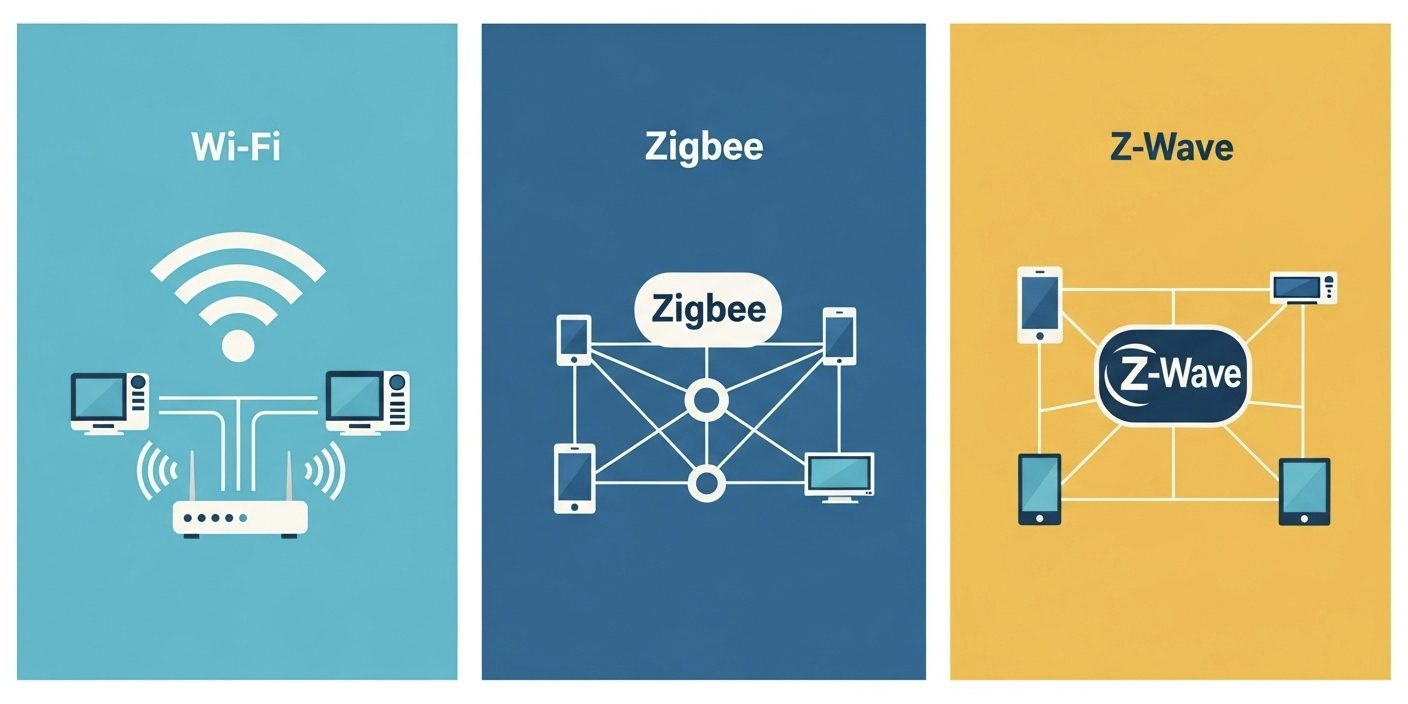
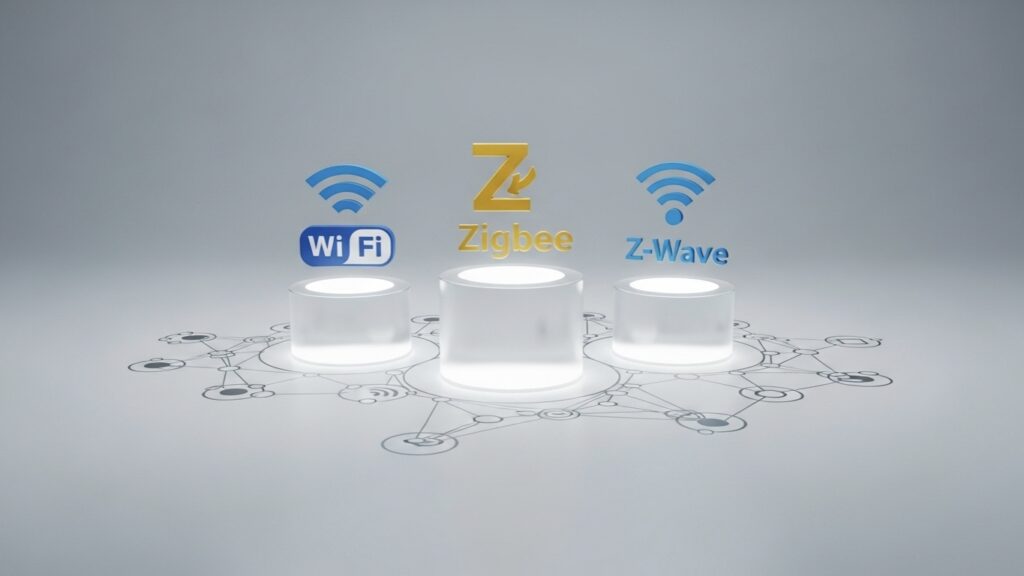
While there are many out there, three protocols dominate the market today: Wi-Fi, Zigbee, and Z-Wave.
The Big Three Protocols: A Head-to-Head Comparison
1. Wi-Fi: The Familiar Friend
This is the protocol everyone knows. Your laptop, phone, and TV all use it. Wi-Fi smart devices connect directly to your home’s router, just like any other gadget.
- Pros: No separate hub is required, setup is generally simple, and it offers high bandwidth, which is great for transferring lots of data.
- Cons: It can be power-hungry (bad for battery-powered devices), and every single device connects directly to your router. Too many devices can congest and slow down your home internet for everything else (like streaming and gaming).
- My Expert Take is Best for: Devices that are plugged into a power outlet and need to transfer a lot of data, like smart speakers, video doorbells, security cameras, and thermostats.
2. Zigbee: The Speedy Mesh-Worker
Zigbee is a low-power protocol that operates in a “mesh network.” Instead of every device connecting to your router, they can connect to each other, passing signals along the chain. This creates a strong, self-healing network. It requires a dedicated Zigbee hub to act as the central brain and translator.
- Pros: Very low power consumption (batteries in sensors can last for years), very fast response times for on/off commands, and it’s an open standard, meaning many different brands (like Philips Hue, Amazon Echo, IKEA) make Zigbee devices.
- Cons: Operates on the 2.4GHz frequency, so it can sometimes face interference from your home’s Wi-Fi. It absolutely requires a compatible hub.
- My Expert Take is Best for: Devices that need instant response and long battery life, like smart bulbs, motion sensors, and door/window sensors.
3. Z-Wave: The Reliable Workhorse
Like Zigbee, Z-Wave is also a low-power mesh network that requires a hub. Its key difference is that it operates on a much lower, less crowded radio frequency (around 908.42 MHz in the US). It’s also a proprietary standard, meaning any company making a Z-Wave device must meet strict certification requirements.
- Pros: Extremely reliable with almost no interference from Wi-Fi or other household electronics. The strict certification process ensures that any certified Z-Wave device will work with any certified Z-Wave hub, guaranteed.
- Cons: Slower data speeds than Zigbee or Wi-Fi (though still plenty fast for commands), and devices can sometimes be slightly more expensive due to licensing.
- My Expert Take is Best for: Critical security and infrastructure devices where reliability is non-negotiable, like smart locks, garage door openers, water leak sensors, and smoke alarms.
Solving the “Unreliable Smart Lock” Mystery
A client called me, completely frustrated with their new smart lock. It was a Wi-Fi model, and their front door was at the far end of their large house. They complained that commands from their phone would often fail, the lock’s battery needed changing every month, and sometimes it would just go “offline” for no reason.
I immediately knew the problem. Their home Wi-Fi signal was struggling to reach the door reliably. For a device as important as a door lock, “mostly reliable” isn’t good enough.
The Solution: We replaced the Wi-Fi lock with a Z-Wave lock and installed a Z-Wave hub centrally in their home. The Z-Wave mesh network created a dedicated, low-power, and rock-solid connection directly to the lock. The result? Commands became instant, the lock never went offline, and the battery life tripled. This is a perfect example of choosing the right protocol for the job. For security, reliability beats everything.
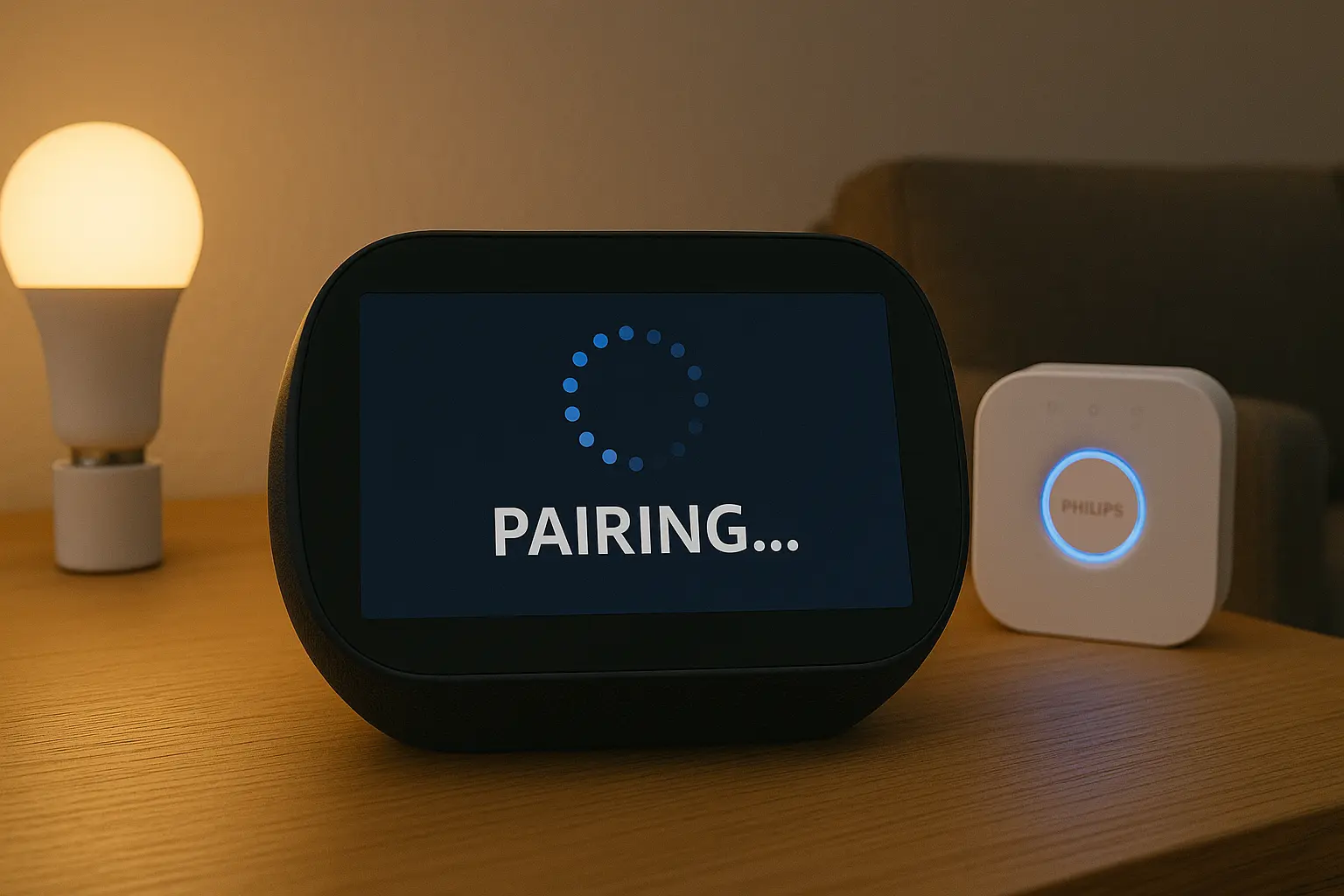
Hub vs. No Hub? Now I Get It!
Many beginners try to build a “no-hub” smart home using only Wi-Fi devices to save money. But as my case study shows, this often leads to an unreliable and congested network. The question isn’t whether hubs are an annoying extra cost; it’s about understanding their job.
Think of a Hub as a Professional Translator and Air Traffic Controller. It speaks the specialized languages (Zigbee, Z-Wave) that are best for small, battery-powered devices. It manages all their communications internally, so they don’t have to shout at your Wi-Fi router all day. This keeps your primary Wi-Fi network free and fast for the things that need it: your computers, phones, and TVs. Investing in a hub isn’t a burden; it’s the foundation of a truly robust and scalable smart home.
A Glimpse into the Future: What About Thread and Matter?
You’ll be hearing more about two newer technologies: Thread and Matter.
- Thread: Think of this as a modern, next-generation version of Zigbee and Z-Wave. It’s another low-power, IP-based mesh networking protocol.
- Matter: This is the exciting one. Matter isn’t another protocol language; it’s a universal translator. The goal of Matter is to run on top of protocols like Wi-Fi and Thread and make devices from Apple, Google, Amazon, and everyone else work together seamlessly.
My advice to clients is this: understanding Wi-Fi, Zigbee, and Z-Wave is still essential, as they are the foundational layers. But as you buy new devices, look for the “Matter” logo. It’s your best bet for future-proofing your smart home.
Conclusion: Building a Smarter, More Reliable Home
You don’t need to be an engineer to build a great smart home, but understanding the “language” your devices speak is a superpower. By choosing the right protocol for the right device—Wi-Fi for speed, Z-Wave for security, and Zigbee for sensors—you move from a hobbyist to an architect of your own truly intelligent environment. You can now make informed decisions that will save you time, money, and a lot of frustration.