Alexa vacation mode is a smart home setup that automatically turns lights, devices, and routines on and off to make it look like someone is home. You can create it using Alexa routines in just a few minutes by combining scheduled triggers, smart lights, and simple automation tricks.
Leaving your home empty for days—or weeks—always feels a little risky.
No lights. No noise. No activity. It’s obvious.
That’s exactly what Alexa vacation mode solves.
Instead of your home sitting silent, Alexa can simulate real activity—turning lights on at night, switching them off randomly, even playing music or TV sounds.
I’ve set this up across different smart home setups, and the difference is noticeable. A house with static lights looks fake. A house with slight randomness? Much harder to detect.
The best part—you don’t need a special “vacation mode” button. You just build it using Alexa routines.
Let’s break down how it actually works.
What Is Alexa Vacation Mode? (Quick Answer)
Alexa vacation mode is a smart automation setup that mimics human activity in your home by turning lights and devices on and off while you’re away. It’s not a built-in feature—you create it using Alexa routines with scheduled triggers and smart devices.
Think of it as a “presence simulator.”
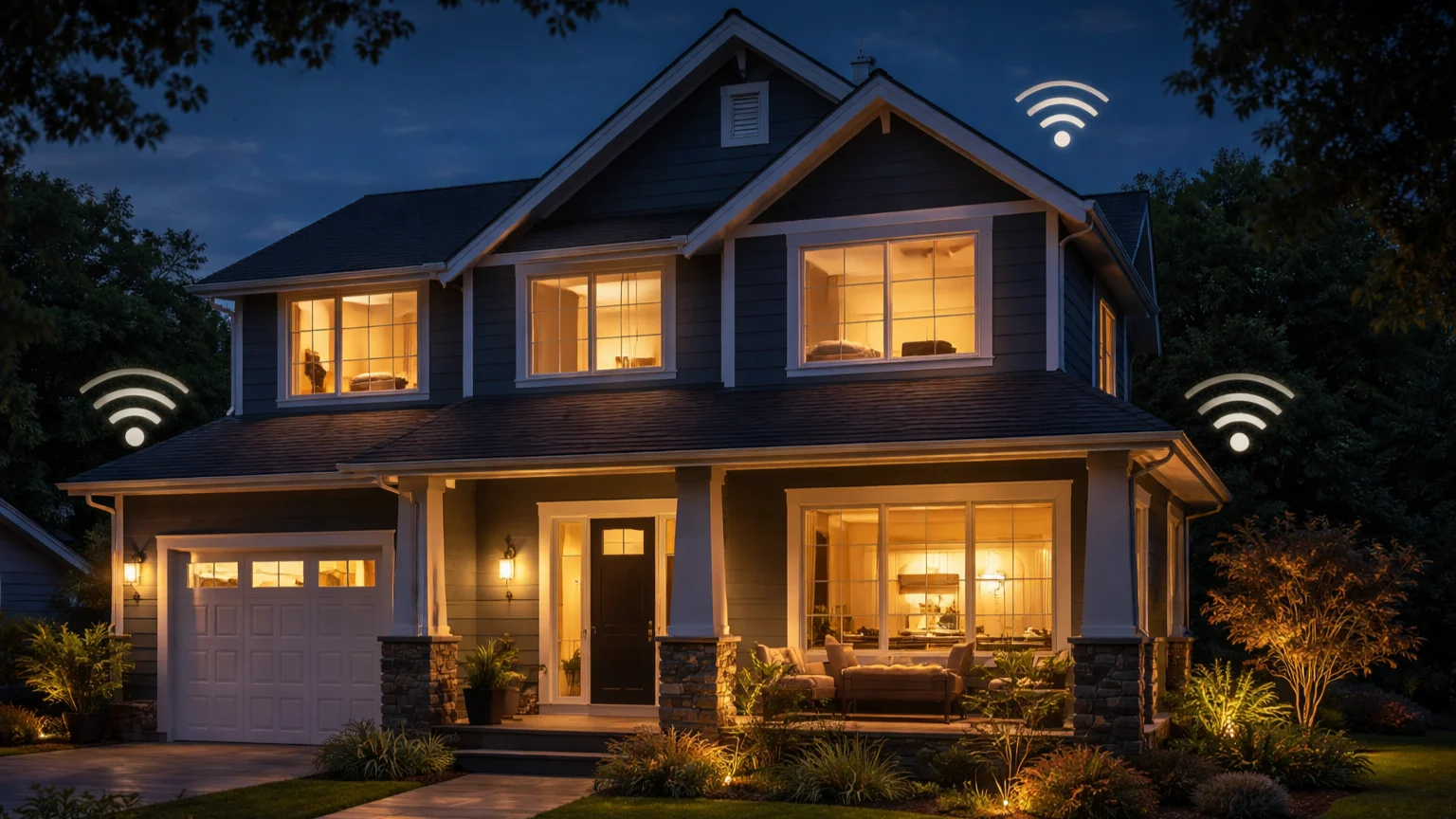
Instead of your home going completely dark and inactive, Alexa creates the illusion that someone is inside—switching lights on in the evening, turning them off at night, and sometimes activating devices like TVs or speakers.
This matters more than most people realize.
Homes that look empty are easier targets. But homes with changing light patterns? They feel occupied.
That’s the key difference.
And here’s where many people get it wrong—simply turning on one light at the same time every day doesn’t work. It looks automated. Predictable. Easy to spot.
A proper Alexa vacation mode adds variation, timing shifts, and multiple devices to create something that feels natural.
Next, let’s look at how Alexa actually makes this happen behind the scenes.
How Alexa Vacation Mode Works
Alexa vacation mode works by combining triggers, actions, and smart devices into a routine that simulates real-life behavior.
There’s no single “vacation mode” switch. Instead, you’re building a system that behaves like a person would.
1. Scheduled Triggers
Everything starts with a trigger—usually time-based.
For example:
- Lights turn on at 7:15 PM
- Turn off at 10:40 PM
But here’s the catch—real people don’t follow exact schedules every day.
That’s why fixed timing alone isn’t enough.
2. Device Actions
Once triggered, Alexa controls your connected devices.
- Smart lights switch on/off
- Smart plugs activate lamps or TVs
- Speakers can play music or ambient noise
This creates visible and audible activity inside your home.
3. Randomization (The Key Factor)
This is what separates a basic setup from a realistic one.
Instead of running routines at the exact same time daily, you introduce variation:
- Slightly different activation times
- Different rooms lighting up each day
- Occasional skipped actions
Without this, your setup looks robotic—and easy to detect.
4. Multi-Device Layering
The most effective setups don’t rely on just one device.
For example:
- Living room light turns on
- Bedroom light follows 20 minutes later
- TV or speaker activates briefly
This layered behavior mimics how people actually move through a home.
5. Cloud Execution
Alexa processes all routines through the cloud.
This means:
- You need a stable internet connection
- Devices must stay connected
- Delays can occasionally happen
Once you understand this system, setting up vacation mode becomes much easier—and far more effective.
Now let’s walk through exactly how to build it step by step.
How to Set Up Alexa Vacation Mode (Step-by-Step)
Setting up Alexa vacation mode takes less than 5 minutes. You’re simply creating a routine that turns devices on and off to simulate activity.
Step 1: Open the Alexa App and Create a Routine
Open the Alexa app and go to More → Routines → + (Create Routine).
Give your routine a clear name like “Vacation Mode Lights.”
Step 2: Choose a Trigger
Select “Schedule” as your trigger.
- Set a time (e.g., 7:00 PM)
- Choose specific days or every day
This will control when your lights or devices activate.
Step 3: Add Smart Devices
Tap “Add Action” → Smart Home → Lights (or plugs).
- Select the room or device
- Set it to turn ON
You can repeat this to control multiple devices in one routine.
Step 4: Add Delays for Realism
This is where most setups fail.
After turning on a light, add a “Wait” action (e.g., 20–40 minutes), then turn it off or activate another device.
This creates movement—not just static lighting.
Step 5: Create Multiple Routines (Important)
Don’t rely on just one routine.
Create 2–4 routines with slightly different times:
- Living room lights at 7:10 PM
- Bedroom lights at 8:00 PM
- Lights off at different times
This adds variation and makes your home look occupied.
Step 6: Test Your Vacation Mode
Before leaving, test everything.
- Run routines manually
- Check if devices respond correctly
- Confirm timing and delays work as expected
If something doesn’t trigger, fix it now—not when you’re already away.
Once set up, your home will automatically simulate activity every day.
Best Alexa Vacation Mode Ideas (Real Examples)
Once you understand the basics, the real power of Alexa vacation mode comes from how you design your routines.
These ideas make your home feel lived-in—not automated.
1. Random Evening Lighting
This is the foundation of any good vacation setup.
- Turn on living room lights between 7:00–7:30 PM
- Turn them off at slightly different times each night
- Alternate between rooms
Avoid using the exact same schedule every day. Small variations make a big difference.
2. Multi-Room Activity Simulation
People don’t stay in one room all night—and your automation shouldn’t either.
Example flow:
- Living room light turns on first
- Bedroom light activates 20–30 minutes later
- Kitchen light briefly turns on, then off
This creates the illusion of movement inside your home.
3. TV or Music Simulation
Adding sound makes your setup far more convincing.
- Use a smart plug to turn on a TV
- Or have Alexa play music for short periods
Even 15–20 minutes of audio can make a home feel occupied.
4. Morning Activity Routine
Most people focus only on evenings—but mornings matter too.
- Turn on kitchen or hallway lights briefly
- Simulate early activity before “leaving”
This adds another layer of realism.
5. Weekend vs Weekday Variation
Here’s a detail most setups miss.
Weekends don’t follow the same patterns as weekdays.
- Later wake-up times
- Different lighting behavior
Create separate routines for weekends to make your automation feel natural.
6. Minimal but Smart Automation
More isn’t always better.
Instead of controlling everything, focus on a few key devices:
- 1–2 lights per room
- One sound source (TV or speaker)
Simple, layered automation is more believable than overcomplicated setups.
These ideas turn a basic routine into something that actually looks like someone is home.
Common Mistakes That Break Vacation Mode
Most Alexa vacation setups fail for one simple reason—they look too perfect.
Automation should feel natural. Predictable patterns do the opposite.
1. Using the Exact Same Schedule Every Day
If your lights turn on at exactly 7:00 PM every night, it becomes obvious.
Real people don’t follow identical routines daily.
Fix: Create multiple routines with slightly different times (±10–30 minutes).
2. No Randomization
This is the biggest mistake.
A single routine that repeats daily creates a robotic pattern. Anyone paying attention can spot it.
Fix:
- Vary on/off times
- Alternate rooms
- Skip certain days occasionally
3. Only Using One Light
One light turning on and off doesn’t simulate real activity.
It looks staged.
Fix: Use at least 2–3 rooms with staggered timing.
4. Ignoring Device Reliability
If a device goes offline, your entire routine can fail.
This is common with:
- Weak Wi-Fi connections
- Low battery sensors
- Disconnected smart hubs
Fix: Check device status before leaving home.
5. Overcomplicating the Setup
More devices don’t always mean better results.
Complex routines increase the chance of failure.
Fix: Keep it simple. Focus on key lights and one or two additional devices.
6. Not Testing Before Leaving
This is a common—and costly—mistake.
Many users set up routines and assume they work.
Fix:
- Run routines manually
- Observe timing and behavior
- Confirm all devices respond correctly
A quick test can save you from a completely inactive setup while you’re away.
Avoid these mistakes, and your Alexa vacation mode will feel far more realistic—and reliable.
Alexa Vacation Mode With Smart Devices
Your Alexa vacation mode becomes far more effective when paired with the right smart devices.
But here’s the catch—not all devices behave the same way.
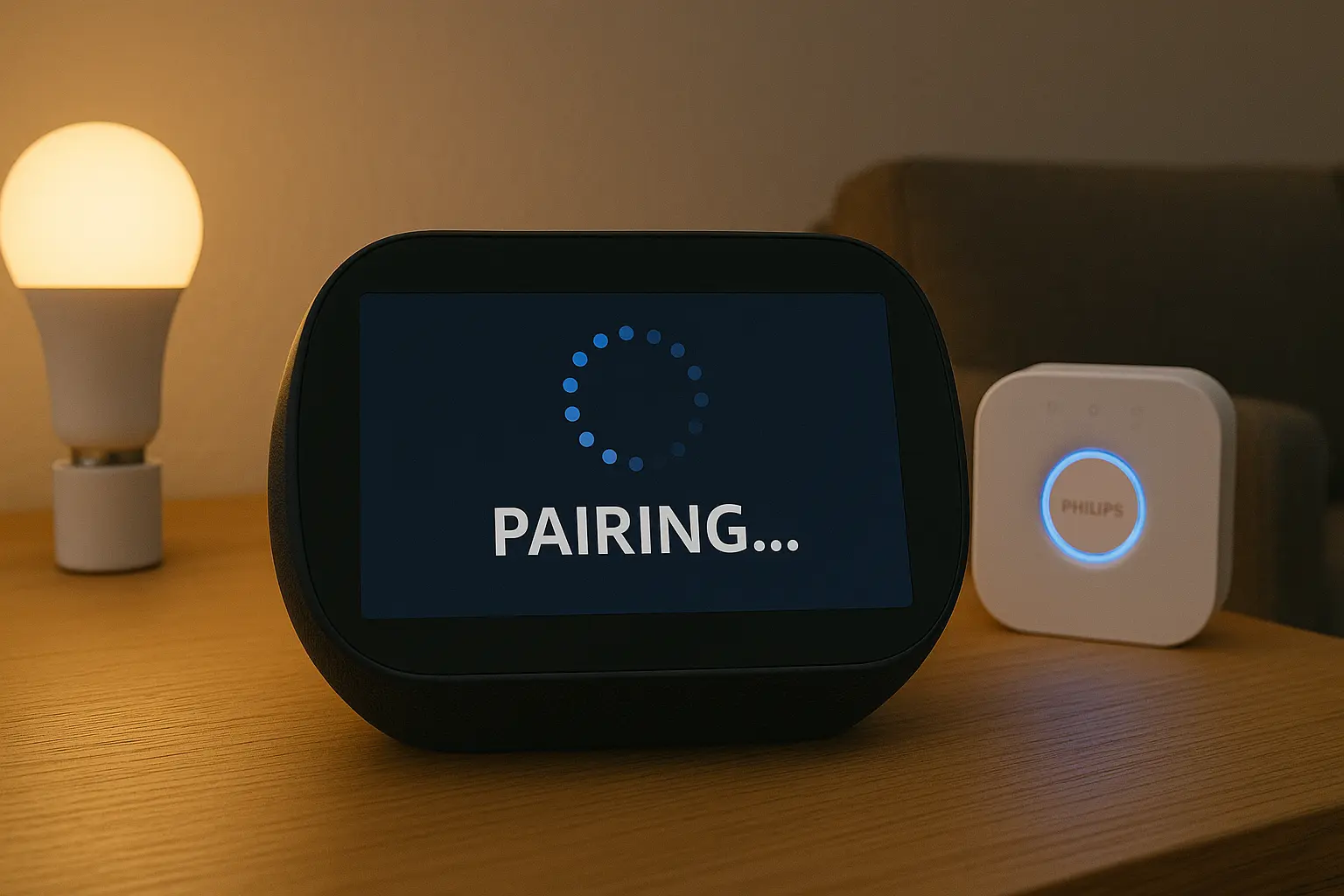
Philips Hue (Best for Lighting Automation)
Philips Hue is one of the most reliable options for vacation mode.
- Supports smooth dimming and scheduling
- Works well with Alexa routines
- Can simulate natural lighting changes
Tip: Use different brightness levels instead of just ON/OFF. This adds realism.
Smart Plugs (Hidden Advantage)
Smart plugs are underrated—but powerful.
You can use them to control:
- Table lamps
- TVs
- Fans or small appliances
This creates both visual and audible activity inside your home.
Motion Sensors (Advanced Setup)
Motion sensors can trigger routines dynamically—but they’re not always ideal for vacation mode.
Why?
- No motion = no trigger
- Can lead to inactivity instead of simulation
They’re better used for security alerts rather than presence simulation.
SmartThings and Other Hubs
If you’re using a hub like SmartThings, your setup adds another layer.
This means:
- Devices communicate through the hub first
- Then sync with Alexa
- Any delay or disconnect can break routines
Tip: Keep vacation mode routines as direct as possible. Fewer layers = better reliability.
General Rule for Device Setup
The simpler your device chain, the more reliable your automation.
Direct Alexa-compatible devices perform better than complex multi-hub setups.
Focus on stability over complexity—that’s what makes vacation mode work consistently.
Is Alexa Vacation Mode Safe? (Security Insight)
Alexa vacation mode can improve home security—but it’s not a complete solution on its own.
It works best as a deterrent, not a defense system.
What Alexa Vacation Mode Does Well
When set up properly, it creates the appearance that someone is home.
- Lights turn on and off at realistic times
- Devices create visible and audible activity
- Patterns change slightly from day to day
This alone can discourage casual intruders who look for empty homes.
Where It Falls Short
Alexa routines don’t monitor or protect your home.
- No real-time security alerts
- No cameras or motion detection (unless added separately)
- No emergency response system
It’s simulation—not surveillance.
When It Works Best
Vacation mode is most effective when combined with other smart home tools.
- Security cameras
- Smart doorbells
- Motion alerts
Together, they create both visibility and deterrence.
Real-World Insight
In my experience, homes with simple but realistic automation (lights + occasional sound) already look significantly more occupied than completely dark homes.
You don’t need a complex setup—you need a believable one.
The Bottom Line
Alexa vacation mode is safe and useful—but only as part of a broader smart home security setup.
Think of it as the first layer, not the entire system.
Frequently Asked Questions
Does Alexa have a built-in vacation mode?
No, Alexa does not have a built-in vacation mode. You create it using routines by automating lights, plugs, and other devices to simulate activity while you’re away.
How do I randomize lights with Alexa?
Alexa doesn’t offer true randomization, but you can simulate it by creating multiple routines with slightly different schedules and delays. This creates a more natural, unpredictable pattern.
Can Alexa turn lights on when I’m away?
Yes, Alexa can control smart lights remotely using routines. You can schedule lights to turn on and off automatically, even when you’re not at home.
Is Alexa good for home security?
Alexa helps improve home security by simulating presence, but it’s not a full security system. For better protection, combine it with cameras, motion sensors, or smart doorbells.
Do I need smart bulbs for Alexa vacation mode?
Smart bulbs are the most common option, but you can also use smart plugs to control lamps, TVs, or other devices. Both work well for creating realistic activity.