I firmly believe that Alexa Routines are the soul of an automated home. They are what elevates a collection of smart devices into a cohesive system that anticipates your needs. So, when a client calls me and says, “My ‘Good Morning’ routine just stopped working,” I know how frustrating that can be. The magic is broken.
The good news is that when an Alexa routine fails to run, it’s rarely a sign of a major system failure. Instead, it’s usually a specific, solvable issue within the routine’s logic or its connection to other services. The key is to troubleshoot methodically, like a detective examining a crime scene, rather than randomly trying different things.
In this guide, I will walk you through the professional diagnostic process I use to pinpoint why a routine is failing. We’ll examine the trigger, the actions, and the connections in between to get your automations back on track.
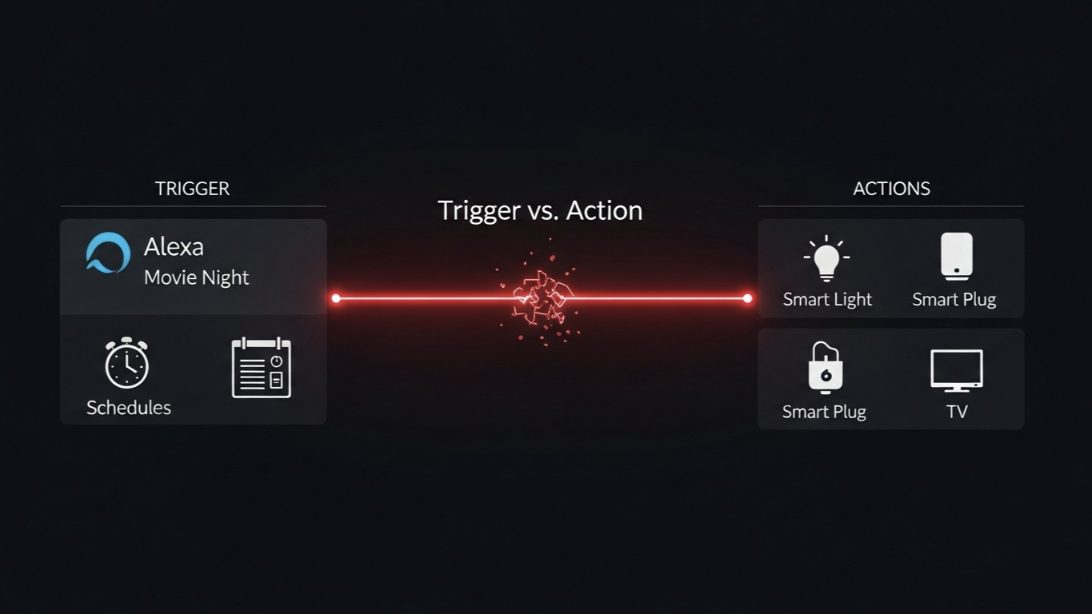
The Anatomy of a Failure: Trigger vs. Action
Before you can fix the problem, you need to know where it’s happening. Every routine failure falls into one of two categories:
- The Trigger Fails: The routine never even starts. You say the phrase, and nothing happens, or the scheduled time passes with no result.
- The Action Fails: The routine starts, but one or more of the steps within it fails to complete. Alexa might say she had a problem, or a light might not turn on as expected.
Identifying which one of these is your problem is the first and most important step. Our troubleshooting will be based on this diagnosis.
Troubleshooting Guide: A Step-by-Step Diagnosis
Let’s walk through the investigation. Start at the top and work your way down.
Step 1: Check Your Alexa Activity History (The Detective’s Logbook)
This is the single most powerful and underutilized tool for debugging routines. Your Alexa app keeps a log of everything it hears and does.
- Open the Alexa app, tap “More” in the bottom right.
- Select “Activity”.
- You will see a feed of your recent voice interactions. Find the entry for when you tried to trigger your routine. Tap on it.
- Did Alexa hear you correctly? The screen will show a text transcription of what it heard. If it heard “Good mooring” instead of “Good morning,” that’s your problem. Your trigger phrase might be too complex or too similar to another command.
- Is there no entry at all? This could mean the microphone on that specific Echo device is having issues, or you weren’t speaking clearly enough.
- Did the routine start but fail? The activity log might show an error message like “I’m having trouble connecting to the Philips Hue skill right now.” This tells you the problem is with a specific action, not the trigger.
The Activity History provides the crucial clue that tells you whether to focus on the trigger or the actions.
Step 2: If the TRIGGER Is the Problem…
If you’ve determined the routine isn’t even starting, here are the common culprits:
- The Trigger Phrase is Too Complex or Conflicting: Go into the routine’s settings and simplify the voice trigger. Change “Alexa, it’s time to start the day” to a simple “Alexa, wake up.” Also, ensure the phrase isn’t too similar to a standard Alexa command.
- The Wrong Echo Device is Responding: If you have multiple Echos, a device in another room might be hearing you and trying to run the routine, but it’s not connected to the right speakers or lights. Try speaking more clearly and closer to the intended Echo.
- For Scheduled Routines: Check the Time/Day Settings. This is a common one. Go into the routine and double-check that the schedule is set for the correct time (AM/PM) and the right days of the week.
- For Sensor-Based Routines (Motion/Contact): Check the sensor’s battery. A dead battery in a motion sensor is a frequent cause for a security routine failing to trigger.
Step 3: If an ACTION Is the Problem…
If the Activity History shows the routine started but an action failed, it’s time to inspect the steps.
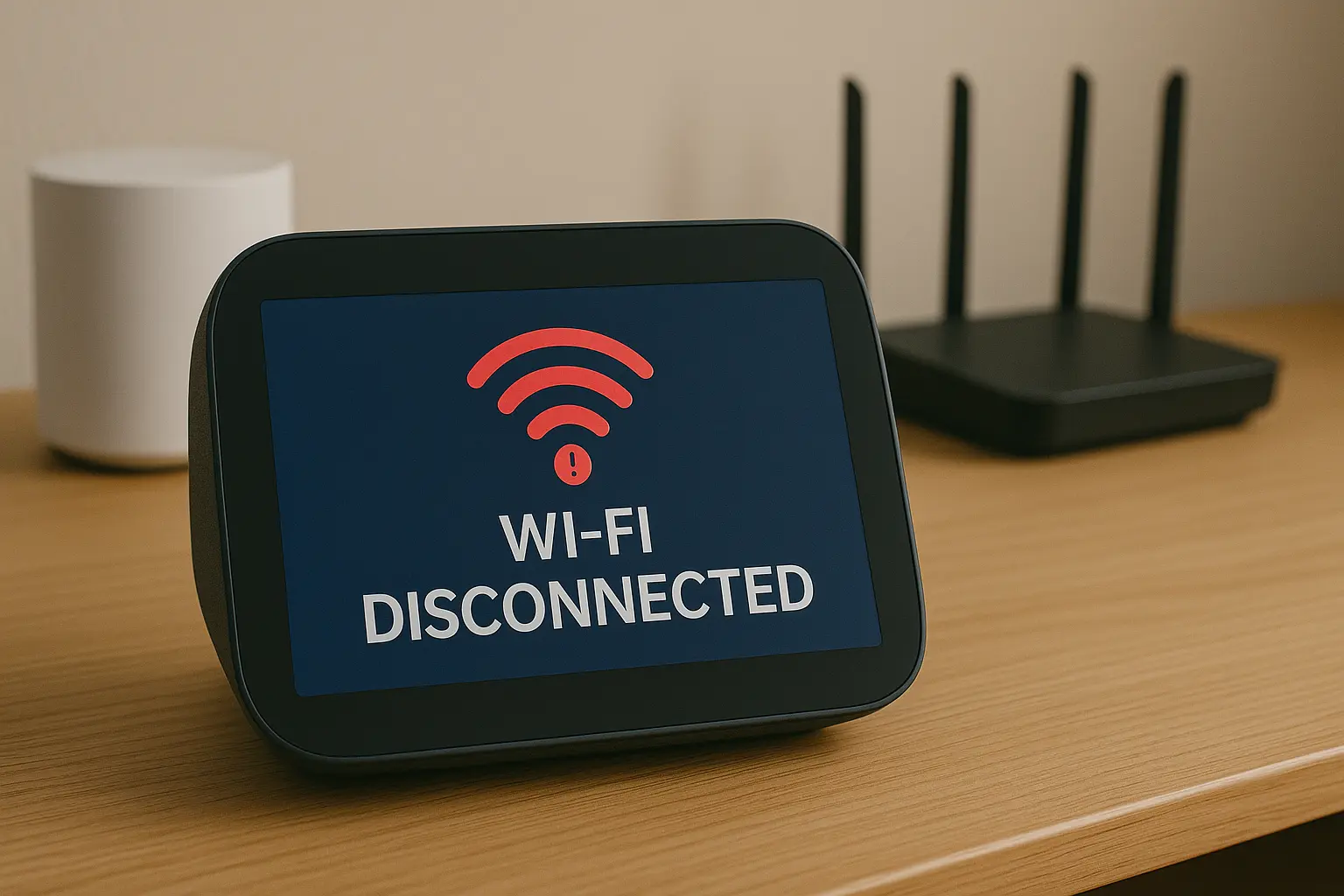
- Test Each Action Manually: Give Alexa the individual commands from your routine. Say, “Alexa, turn on the kitchen light.” Then, “Alexa, what’s the weather?” If a specific command fails, you’ve found your broken action. This is often caused by a disconnected smart device (a Wi-Fi issue) or a problem with a third-party Skill.
- Re-link the Problematic Skill: If you identified a faulty skill (e.g., Philips Hue, SmartThings) in the previous step, you need to re-authenticate it. Go to More > Skills & Games > Your Skills. Find the problematic skill, disable it, and then re-enable it, logging in again with your credentials.
- Add Delays for Reliability: Sometimes, Alexa sends commands too quickly for devices to keep up. If you have a routine that, for example, turns on a smart plug and then dims the lamp plugged into it, the dim command might arrive before the plug has fully powered on. Go into your routine’s actions and add a “Wait” or “Delay” action of 2-3 seconds between commands that target the same device. This is a pro-level trick that solves many reliability issues.
- Check for Conflicting Actions: You cannot have two actions in the same routine that both try to control audio. For example, you can’t have one action that “Plays music” and another that “Reads my news briefing.” Alexa can only do one audio-based action per routine. The last one in the list will usually be the one that runs.
The “Movie Night” Routine That Went Dark
A client, Jenna, had a “Movie Night” routine that used to work perfectly. When she said the phrase, it would dim her Hue lights to a cinematic blue and turn on the smart plug connected to her TV’s bias lighting. One day, it just stopped. When she said “Movie Night,” Alexa would respond “Okay,” but nothing would happen.
The Investigation:
- We checked her Activity History. It showed Alexa heard “Movie Night” correctly and the routine was triggered. This told us the problem was with the actions.
- We tested the actions manually. “Alexa, turn on the bias lighting” worked fine. But when she said, “Alexa, dim the living room lights to blue,” Alexa replied, “I’m having trouble connecting to the Philips Hue skill.”
- The “Aha!” Moment: I asked her if she had recently changed her Philips Hue password. She had! She’d forgotten that her Alexa was still trying to use the old, now-invalid password to connect to her Hue account.
The Solution: We followed Step 3 precisely. We went into the Alexa app, disabled the Philips Hue skill, and then immediately re-enabled it. This prompted her to log in again with her new Hue password. As soon as the skill was re-linked, the “Movie Night” routine worked perfectly again.
My Final Verdict: Be a Detective, Not a Demolition Crew
When a routine fails, don’t just delete it and start over. That doesn’t teach you what went wrong. By treating the problem with a structured, diagnostic approach, you can almost always find the single point of failure.
Start with the Activity History—it’s your most valuable clue. From there, you can determine if the problem lies with the trigger or a specific action. This methodical process will not only fix your immediate issue but will also make you more confident and capable in building complex and reliable automations for your entire home.