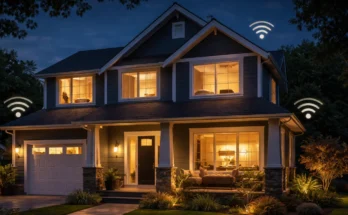
A smart home is a house where devices like lights, plugs, thermostats, and security systems are connected to the internet and can be controlled remotely or automatically. You can manage them using your phone or voice assistants like Alexa, making everyday tasks easier, faster, and more efficient.
Imagine walking into your home and the lights turn on automatically.
The temperature feels just right. Your favorite music starts playing. And you didn’t touch a single switch.
That’s a smart home.
It sounds advanced—but it’s actually much simpler than most people think.
You don’t need technical skills. You don’t need a full system. And you definitely don’t need to automate everything at once.
I’ve helped set up smart home systems for beginners who started with just one device—a smart bulb or a smart speaker—and gradually built something much more powerful over time.
This guide will show you exactly what a smart home is, how it works, and how you can start—even if you’ve never used smart devices before.
What Is a Smart Home? (Quick Answer)
A smart home is a living space where devices connect to the internet and work together to automate everyday tasks like lighting, temperature, and security.
In simple terms, it means your home can respond to you—automatically or through commands.
Instead of manually turning things on and off, your home can:
- Turn lights on when you enter a room
- Adjust temperature based on your schedule
- Lock doors or send alerts when you’re away
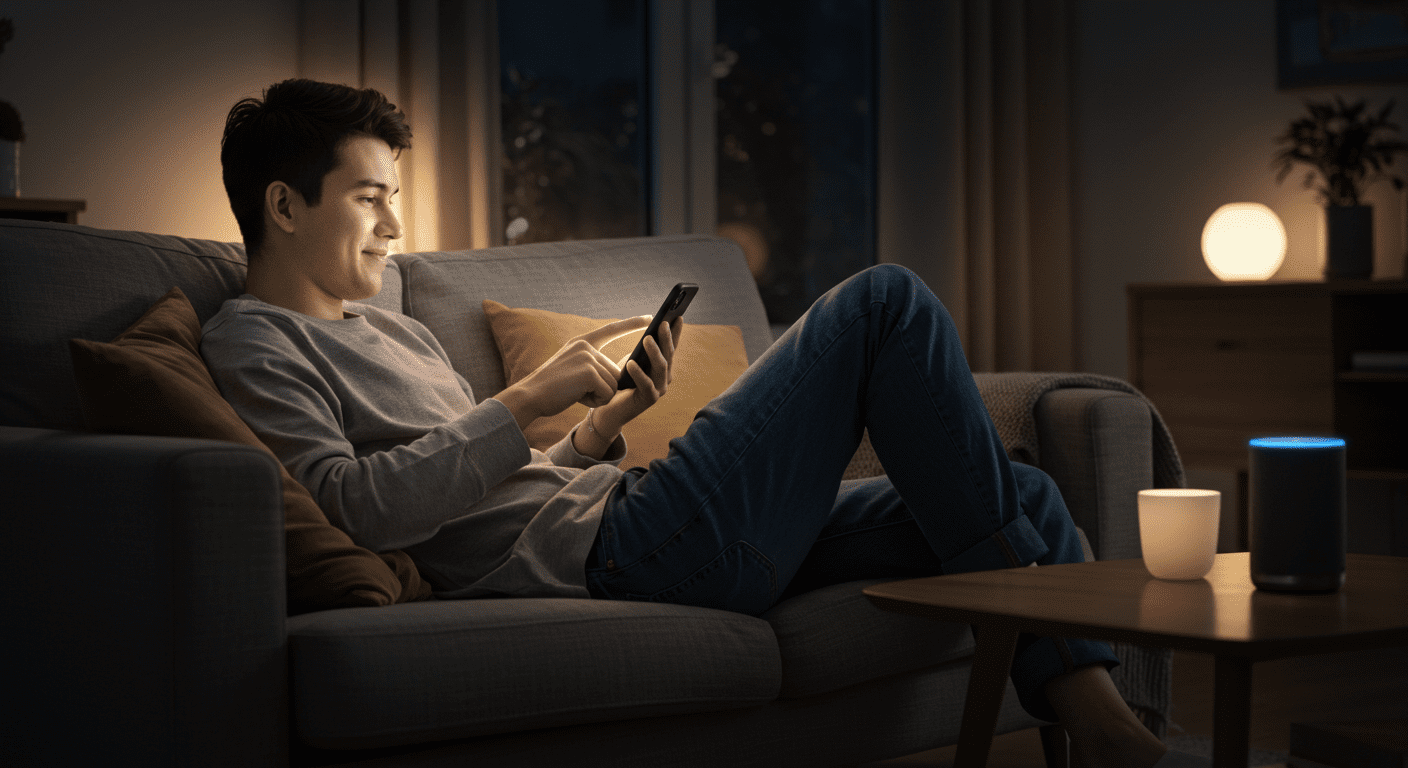
And you control all of this from your phone—or just by speaking.
For example, saying “turn off the lights” to Alexa can shut down your entire house in seconds.
That’s the core idea behind a smart home. It replaces manual actions with automation and remote control.
But the real power isn’t just control—it’s how everything works together. That’s what makes a smart home feel truly intelligent.
How Does a Smart Home Work?
A smart home works by connecting devices to the internet so they can communicate, automate tasks, and respond to commands.
At a basic level, every smart home has three main parts:
1. Smart Devices
These are the physical products you use in your home.
- Smart lights
- Smart plugs
- Thermostats
- Cameras and doorbells
Each device can connect to your Wi-Fi and be controlled remotely.
2. A Control System (App or Voice Assistant)
This is how you interact with your devices.
Most people use:
- Mobile apps (on your phone)
- Voice assistants like Alexa or Google Assistant
For example, you can open an app to turn off your lights—or just say, “Alexa, turn off the lights.”
3. Automation (The “Smart” Part)
This is what makes a home truly smart.
Instead of controlling devices manually, you set rules:
- Lights turn on at sunset
- Thermostat adjusts when you leave home
- Devices turn off automatically at night
This is called automation or routines.
Simple Example
Imagine this setup:
- You unlock your door
- The lights turn on automatically
- The temperature adjusts
No switches. No apps. It just happens.
That’s how a smart home works—devices, control, and automation working together.
Next, let’s look at real-life examples so you can see what this actually looks like day to day.
Smart Home Examples (Real-Life Use Cases)
Understanding a smart home is easier when you see how it works in real life.
Here are some simple, everyday examples that show what a smart home can actually do.
1. Lights That Turn On Automatically
Instead of walking into a dark room, your lights can turn on the moment you enter.
- Motion sensors detect movement
- Lights switch on instantly
- Turn off automatically when no one is there
No switches. No effort.
2. Voice-Controlled Everything
You can control your home just by speaking.
- “Turn off the lights”
- “Set temperature to 72 degrees”
- “Play music in the living room”
This is usually done using devices like Alexa or Google Assistant.
3. Smart Temperature Control
Your home can adjust temperature automatically based on your routine.
- Warmer in the morning
- Cooler at night
- Energy-saving mode when you leave
This improves comfort and reduces energy bills.
4. Home Security Alerts
Smart homes can help you monitor your home even when you’re away.
- Get alerts if motion is detected
- See live camera feeds on your phone
- Lock or unlock doors remotely
You always know what’s happening at home.
5. “Good Night” Automation
With one command, your entire home can shut down for the night.
- Lights turn off
- Doors lock
- Thermostat adjusts
Instead of checking everything manually, it happens instantly.
These examples show that a smart home isn’t about complex technology—it’s about making everyday life easier.
Next, let’s look at the actual devices that make all of this possible.
Common Smart Home Devices (Beginner List)
A smart home is built using different types of devices. The good news? You don’t need all of them to get started.
Here are the most common smart home devices beginners use.
Smart Speakers (Alexa, Google Home)
Smart speakers are the control center of most smart homes.
- Let you control devices using voice commands
- Run routines and automation
- Connect multiple devices together
Examples include Amazon Echo (Alexa) and Google Nest devices.
Smart Lights
1.
Smart lights are usually the first device people buy.
- Turn on/off remotely
- Adjust brightness and color
- Automate based on time or motion
They’re simple, affordable, and easy to set up.
Smart Plugs
2.
Smart plugs turn regular devices into smart ones.
- Control lamps, fans, or appliances
- Schedule on/off times
- Add automation without replacing devices
This is one of the easiest ways to upgrade your home.
Smart Thermostats
3.
Smart thermostats manage your home’s temperature automatically.
- Adjust based on your schedule
- Save energy when you’re away
- Control remotely from your phone
They improve comfort while reducing energy costs.
Smart Security Devices
4.
These devices help you monitor and protect your home.
- Security cameras
- Video doorbells
- Smart locks
You can check your home anytime, from anywhere.
Each of these devices plays a role—but you only need one to get started.
Next, let’s look at why people switch to smart homes in the first place.
Benefits of a Smart Home
People don’t switch to smart homes just because of technology—they do it because it makes life easier.
Here are the biggest benefits you’ll notice right away.
1. Convenience in Everyday Life
This is the main reason most people start.
Instead of doing everything manually, your home handles it for you.
- Turn off all lights with one command
- Control devices without getting up
- Automate daily routines
It saves time—and effort.
2. Energy Savings
Smart homes can reduce energy waste without you thinking about it.
- Lights turn off automatically when not in use
- Thermostats adjust based on your schedule
- Devices shut down when you leave home
Over time, this can lower your electricity bills.
3. Better Home Security
You get more control and visibility over your home.
- Receive alerts when motion is detected
- Check cameras remotely
- Lock or unlock doors from anywhere
Even simple setups can make your home feel more secure.
4. Remote Control From Anywhere
Forgot to turn off the lights? No problem.
You can control your entire home from your phone—whether you’re at work, traveling, or just in another room.
This flexibility is one of the biggest advantages of smart home technology.
5. Custom Automation
Your home can adapt to your lifestyle.
- Morning routines that turn on lights and music
- Night routines that shut everything down
- Vacation mode to simulate activity
Once set up, everything happens automatically.
These benefits are what make smart homes feel less like a luxury—and more like a practical upgrade.
But before you start, there are a few concerns beginners usually have. Let’s address those next.
Are Smart Homes Safe? (Beginner Concerns)
One of the first questions beginners ask is simple—are smart homes actually safe?
The short answer: yes, but only if set up properly.
Like any connected technology, smart homes come with both advantages and risks.
1. Privacy Concerns
Smart devices listen for commands and collect data to function properly.
- Voice assistants process your voice commands
- Apps track usage patterns
- Devices connect to cloud services
This doesn’t mean they’re unsafe—but it does mean you should understand how your data is used.
Tip: Regularly review privacy settings in your apps.
2. Internet Dependency
Most smart home devices rely on a stable internet connection.
- If Wi-Fi goes down, some features may stop working
- Automation may fail temporarily
That’s why a reliable internet setup is essential for a smooth experience.
3. Security Risks (And How to Avoid Them)
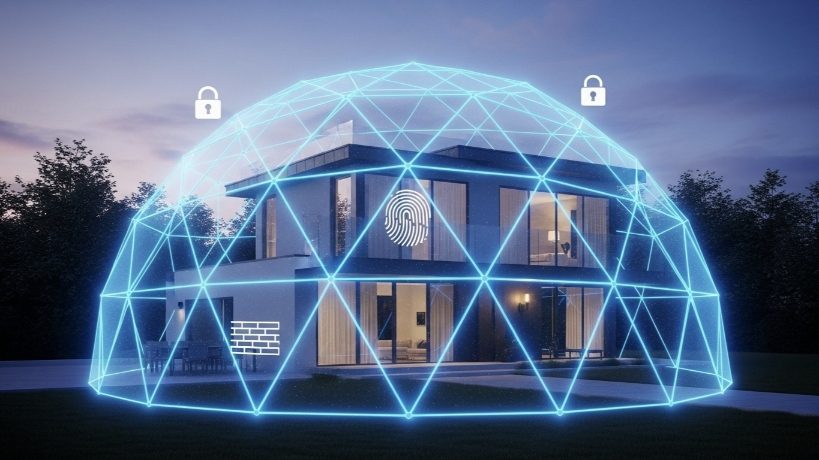
Like any connected system, smart homes can be vulnerable if not secured.
But the risks are easy to manage with a few simple steps:
- Use strong, unique passwords
- Enable two-factor authentication (2FA)
- Keep apps and devices updated
- Avoid connecting unknown third-party services
4. Real-World Perspective
In practice, most smart home issues come from poor setup—not the technology itself.
When devices are updated and secured properly, smart homes are generally safe for everyday use.
Bottom Line
Smart homes are safe, but like any connected system, they require basic security habits.
Once you understand the basics, the benefits far outweigh the risks.
Now that you know the pros and concerns, let’s look at how to actually get started.
How to Start a Smart Home (Step-by-Step)
Starting a smart home doesn’t require a big investment or technical skills. The best approach is simple—start small and build over time.
Here’s exactly how beginners should do it.
Step 1: Choose a Platform
Your platform is the “brain” of your smart home.
The two most popular options are:
- Amazon Alexa: Best for beginners, wide device compatibility
- Google Assistant: Strong voice control and integration
Pick one and stick with it to avoid compatibility issues later.
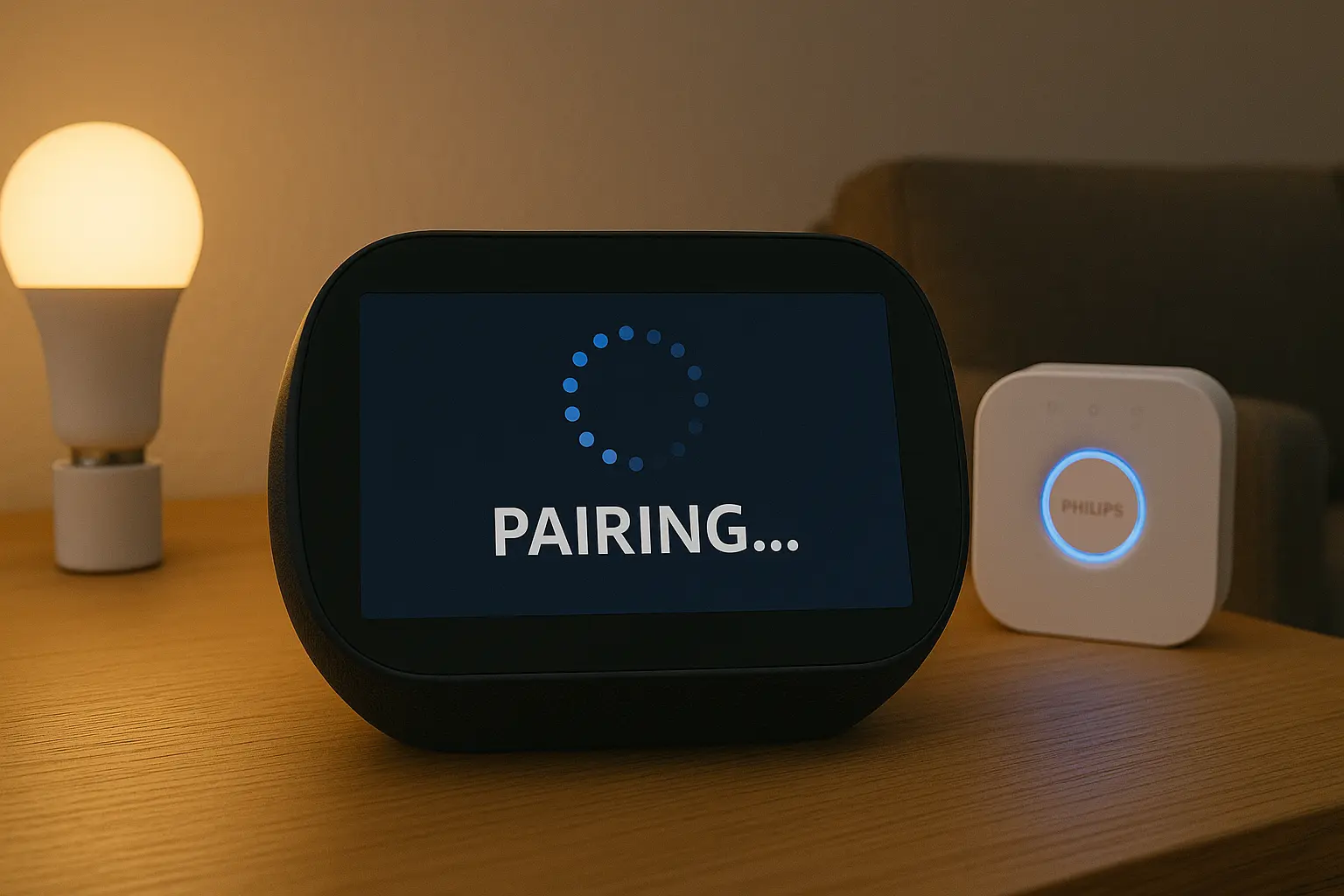
Step 2: Start With One Device
Don’t try to automate everything at once.
Start with a simple device like:
- A smart bulb
- A smart plug
- A smart speaker
This helps you understand how everything works without feeling overwhelmed.
Step 3: Set Up Basic Control
Install the app, connect your device, and test it.
Try simple actions first:
- Turn devices on/off using your phone
- Use voice commands
Once you’re comfortable, move to the next step.
Step 4: Create Your First Automation
This is where your home becomes “smart.”
Set up a basic routine like:
- Lights turn on at sunset
- Devices turn off at bedtime
Automation saves time and removes the need for manual control.
Step 5: Expand Gradually
After your first setup works, add more devices over time.
Focus on areas where automation adds real value:
- Lighting
- Security
- Temperature control
This keeps your setup simple, reliable, and easy to manage.
The key is not to rush. A smart home grows step by step—and that’s what makes it work smoothly.
Before you expand, though, there are a few common mistakes you should avoid.
Smart Home Mistakes Beginners Make
Starting a smart home is easy—but doing it the wrong way can lead to frustration, wasted money, and devices that don’t work together.
Here are the most common mistakes beginners make—and how to avoid them.
1. Buying Too Many Devices at Once
It’s tempting to automate everything immediately.
But this often leads to confusion and setup issues.
Fix: Start with one or two devices. Learn how they work before expanding.
2. Mixing Too Many Ecosystems
Not all smart devices work well together.
For example, using multiple apps, hubs, and platforms can create conflicts.
Fix: Choose one main platform (like Alexa or Google) and build around it.
3. Ignoring Wi-Fi Setup
Your smart home depends on a strong and stable internet connection.
- Weak signals cause delays
- Devices may disconnect randomly
- Automation can fail
Fix: Make sure your Wi-Fi covers all areas of your home.
4. Overcomplicating Automation
Complex routines sound great—but they often break.
Fix: Keep automation simple and reliable. Build complexity gradually.
5. Not Testing Devices Properly
Many beginners set up devices but don’t fully test them.
Fix:
- Test voice commands
- Check automation timing
- Confirm devices respond consistently
6. Focusing on Technology Instead of Use
Some people focus on features instead of real benefits.
Fix: Ask yourself: “What problem am I solving?”
That’s what smart homes are really about.
Avoid these mistakes, and your smart home experience will be smoother, simpler, and far more effective.
Next, let’s quickly compare smart homes to traditional homes to make the difference even clearer.
Smart Home vs Traditional Home (Simple Comparison)
To really understand what makes a smart home different, it helps to compare it with a traditional home.
The difference isn’t just technology—it’s how your home responds to you.
Manual vs Automated
In a traditional home, everything is manual.
- You turn lights on and off
- You adjust the thermostat yourself
- You check locks and security manually
In a smart home, these actions can happen automatically.
- Lights turn on when you enter a room
- Temperature adjusts based on your schedule
- Doors lock automatically at night
Static vs Responsive
A traditional home doesn’t adapt—it stays the same unless you change something.
A smart home responds to your behavior.
- It reacts to time, motion, or location
- It adjusts settings without manual input
This makes your home feel more dynamic and personalized.
On-Site Control vs Remote Control
With a traditional setup, you need to be physically present to control your home.
With a smart home, you can manage everything remotely.
- Turn off lights from your phone
- Check cameras while traveling
- Control devices from anywhere
Efficiency Difference
Traditional homes often waste energy because everything runs manually.
Smart homes optimize usage automatically.
- Lights turn off when not needed
- Heating and cooling adjust intelligently
The result is more convenience—and often lower energy costs.
In simple terms: a traditional home reacts when you act, while a smart home can act on its own.
Now, let’s answer some of the most common questions beginners have.
Frequently Asked Questions
What is a smart home in simple terms?
A smart home is a house where devices like lights, thermostats, and security systems connect to the internet and can be controlled remotely or automatically using your phone or voice commands.
Do smart homes need internet?
Yes, most smart home devices rely on an internet connection to work properly. Without Wi-Fi, features like remote control and automation may not function.
Is a smart home expensive?
No, starting a smart home can be affordable. You can begin with a single device like a smart bulb or plug and expand gradually over time.
Can I build a smart home myself?
Yes, most smart home devices are designed for easy setup. You don’t need technical skills—just follow the app instructions and connect your devices step by step.
What is the best smart home system for beginners?
Amazon Alexa and Google Assistant are the most popular choices. Alexa is often preferred for beginners due to its wide compatibility and simple setup.