As a Smart Home Integrator, I install devices that bring incredible convenience and joy to people’s lives. But I’m also installing a network of internet-connected sensors, cameras, and microphones into the most private space there is: their home. So, the question I get asked most often—and the one I take most seriously—is, “Is all of this actually secure? What about my privacy?”
It’s the most important question you can ask. The honest, professional answer is that a smart home can be incredibly secure, but it is not secure by default. Security and privacy in a smart home are not passive states; they require conscious choices, good habits, and a clear understanding of how these devices work.
Sensational headlines about hacked cameras can be terrifying, but they often lack context. In this guide, I will cut through the noise and share the five critical, real-world things you need to know about your smart home’s privacy. This is the same foundational advice I give to every one of my clients to ensure their smart home is a sanctuary, not a security risk.
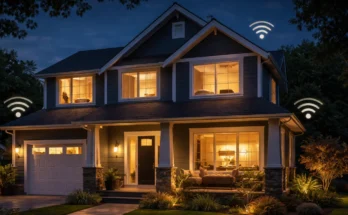
1. Your Wi-Fi Network is the Front Door to Your Entire Home
This is the most fundamental concept. Your smart devices do not exist in a vacuum. They all live on your home’s Wi-Fi network. Therefore, the security of your entire smart home is only as strong as the security of your Wi-Fi router.
What you need to know: If an attacker gains access to your Wi-Fi network, they have a direct line to every smart device on it. Securing your router is your absolute first line of defense.
How to secure it:
- Change the Default Router Password: Never use the default “admin” password that came with your router. Change it to something long, complex, and unique.
- Use a Strong Wi–Fi Password (WPA3/WPA2): Your Wi-Fi password should be treated like a key to your house. Make it long and difficult to guess. Ensure your router is using the latest WPA3 or WPA2 security standard.
- Create a Separate “Guest” Network for Your IoT Devices: This is a pro-level move that I recommend to everyone. Create a guest Wi-Fi network and connect all of your smart devices to it. Keep your personal computers and phones on your main network. This technique, called network segmentation, acts like a digital moat. If a single smart device is ever compromised, the attacker is trapped on the guest network, unable to access your sensitive personal data on your main network.
2. Your Smart Speaker is Listening, But It’s Not Eavesdropping
This is the biggest privacy concern for most people: the idea of an always-on microphone in their home. There is a critical technical distinction between “listening” and “eavesdropping.”
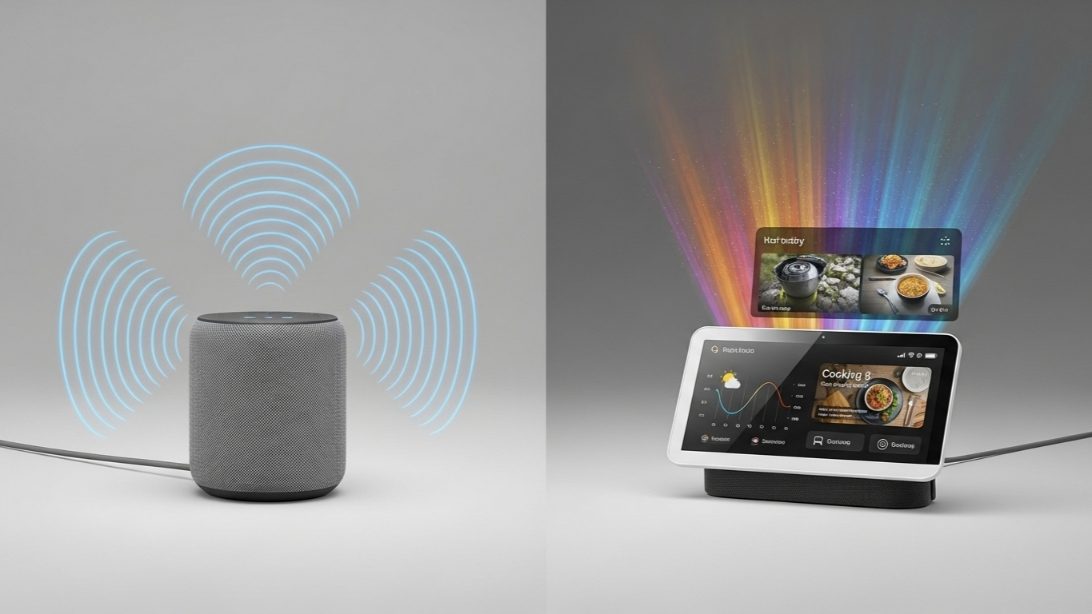
What you need to know: Your Amazon Echo or Google Nest speaker is constantly listening for one thing and one thing only: its “wake word” (e.g., “Alexa,” “Hey Google”). The device processes this audio locally in a short, rolling buffer. Only when it detects the wake word does it “wake up” and begin streaming your command to the cloud for processing. It is not sending every conversation you have to Amazon or Google’s servers.
How to manage it:
- Review and Delete Your Voice History: Both Amazon and Google allow you to review and delete your voice command history. You can even set it to auto-delete after a certain period. This is a good privacy hygiene practice.
- Use the Mute Button: Every smart speaker has a physical microphone mute button. When pressed, the microphone circuit is physically disconnected. The red light is a hardware indicator that it is truly off. Use it whenever you are having a sensitive conversation and want 100% peace of mind.
3. Your Camera’s Security is Your Responsibility
Smart security cameras are a major point of anxiety, and for good reason. The “hacked camera” horror stories you read about are almost always the result of one of two user errors, not a sophisticated hack of the company’s servers.
What you need to know: The weakest links in your camera’s security are your password and your authentication method.
How to secure it:
- Use a Unique, Strong Password for Your Camera’s Account: Do NOT reuse your Facebook password for your Ring or Wyze account. If another service you use has a data breach, hackers will use those leaked passwords to try and log into your camera account (this is called “credential stuffing”).
- ENABLE TWO-FACTOR AUTHENTICATION (2FA): This is the single most important thing you can do to secure your cameras. 2FA requires a hacker to have both your password AND a temporary code sent to your phone. It makes it virtually impossible for someone to log into your account, even if they have your password. If your camera brand doesn’t offer 2FA, I strongly advise against using it.
4. “The Cloud” is Not an Abstract Concept
When you use a smart device, you are not just entering into a relationship with the device itself; you are entering into a relationship with the company that made it. Your data—voice commands, video clips, usage patterns—is stored on their servers, often referred to as “the cloud.”
What you need to know: The privacy policy of the company matters. You are trusting them to be a good steward of your data.
Case Study: Choosing Brands Wisely
A few years ago, there was a lot of concern about a specific brand of low-cost, no-name smart cameras that were found to be sending data to unencrypted servers overseas without user knowledge. The devices were cheap, but the hidden cost was the user’s privacy.
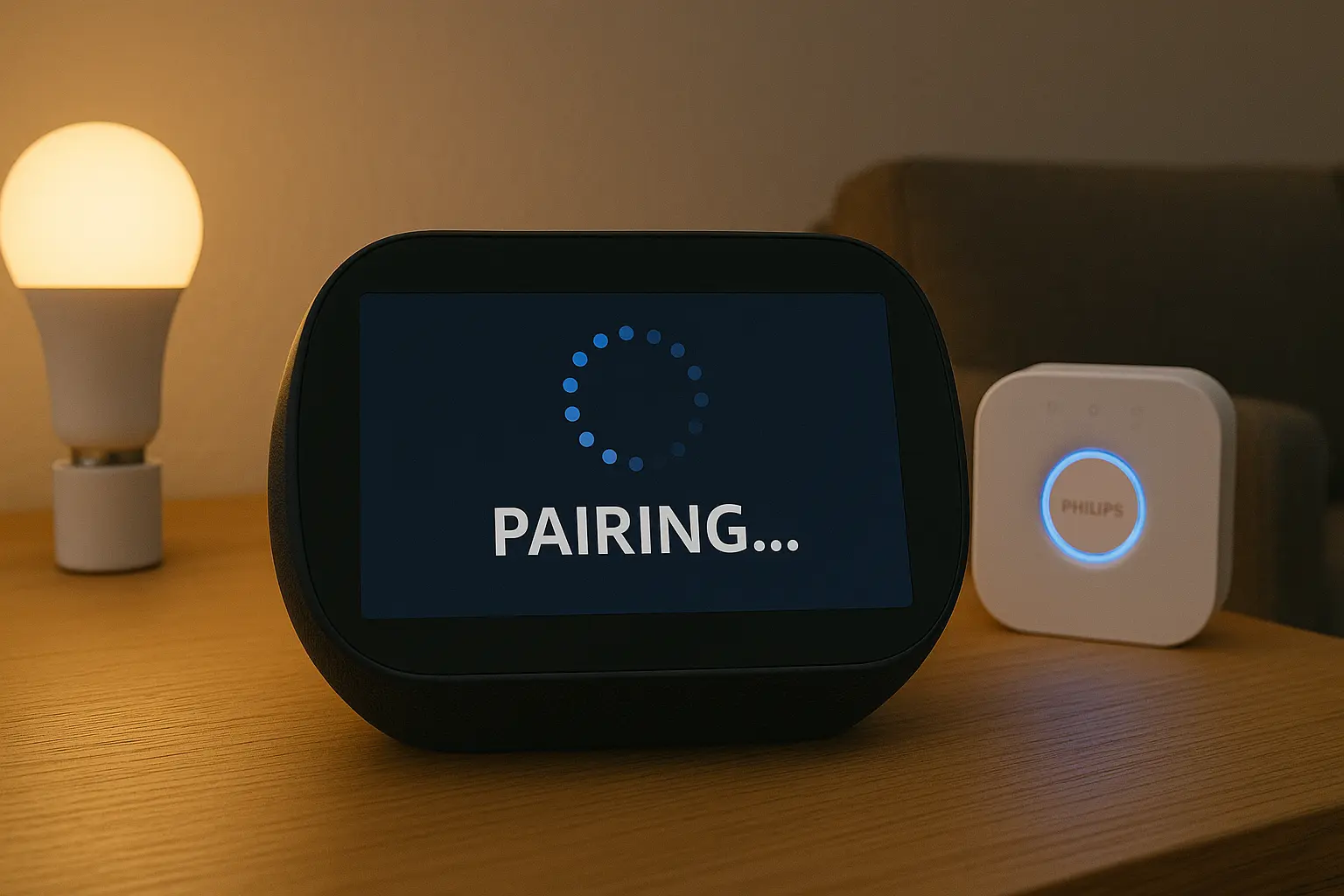
My Professional Advice: I guide my clients to stick with reputable, well-known brands (like Google, Amazon, Apple, Wyze, Ring, Philips Hue, Lutron). Why?
- They Have a Reputation to Uphold: A major security breach would be catastrophic for these companies. They have entire teams dedicated to cybersecurity.
- They Provide Regular Security Updates: They consistently release firmware updates to patch vulnerabilities. A no-name brand has little incentive to do this after the sale.
- They Have Clear Privacy Policies: You can read exactly how they handle your data.
Saving a few dollars on a generic device is not worth the potential privacy risk. Invest in brands that invest in your security.
5. Your Data is Used to Personalize (and Advertise)
Finally, it’s important to be realistic about the business model of some of these companies. Many smart home services are offered for free or at a low cost. Often, the trade-off is that your (anonymized) data is used to improve services and, yes, for targeted advertising.
What you need to know: Your interactions with your smart home can influence the ads you see online. For example, if you frequently ask Google Assistant for Italian recipes, you may start seeing ads for pasta makers. This data is typically aggregated and anonymized, meaning it’s not tied directly to your name in a way an advertiser can see, but the connection exists.
How to manage it:
- Read the Privacy Policies: Understand the terms you are agreeing to.
- Use Privacy Controls: Both Google and Amazon have extensive privacy dashboards that allow you to manage your ad personalization settings.
My Final Verdict: A Secure Smart Home is an Intentional One
So, is a smart home secure? My answer is a confident yes, if you are an active participant in its security.
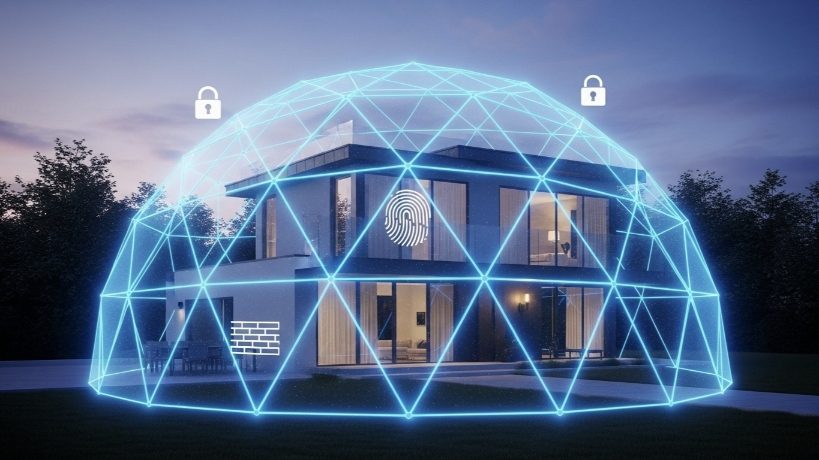
The vast majority of smart home “hacks” are not sophisticated attacks but are the result of weak passwords, a lack of two-factor authentication, or an unsecured Wi-Fi network. By taking the simple, proactive steps outlined in this guide, you can build a digital fortress around your home.
Embrace the convenience and fun of your smart home, but do it with your eyes open. A little bit of digital hygiene goes a long way in ensuring your home remains your private, secure sanctuary.