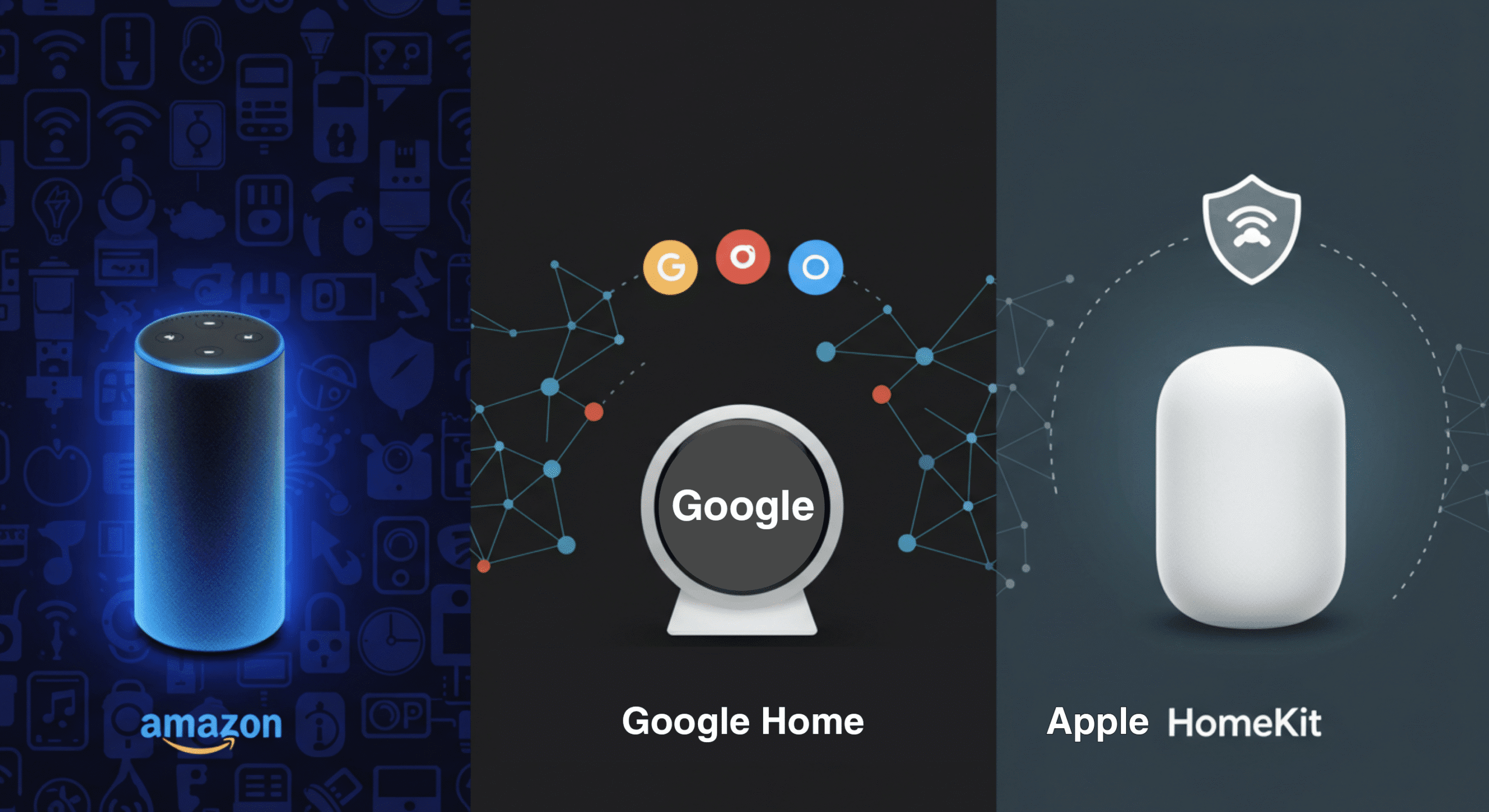
If you want the best overall smart home system, Amazon Alexa offers the widest device compatibility and flexibility, Google Home provides the smartest voice control, and Apple HomeKit is the best for privacy and Apple users. The right choice depends on your devices, budget, and how you plan to use your smart home.
Choosing a smart home ecosystem can feel confusing fast.
Alexa, Google Home, HomeKit—they all promise the same thing. Control your home. Automate your life. Make everything easier.
But they’re not the same.
Some work better with certain devices. Some are easier to use. Others are more secure—or more limited.
I’ve worked with all three setups, and the difference becomes obvious once you start building your system. Picking the wrong one early can lead to compatibility issues, extra costs, and a lot of frustration.
This guide breaks everything down in simple terms—so you can choose the right ecosystem without overthinking it.
Quick Comparison: Alexa vs Google Home vs HomeKit
If you just want a fast answer, here’s how the three smart home ecosystems compare:
- Best Overall: Amazon Alexa (most compatible and flexible)
- Best Voice Assistant: Google Home (most natural and accurate responses)
- Best for Privacy: Apple HomeKit (strong security and data protection)
- Best for Beginners: Amazon Alexa (easy setup and wide device support)
- Best for Apple Users: Apple HomeKit (seamless iPhone and iPad integration)
- Best Device Compatibility: Amazon Alexa (supports the most smart devices)
Here’s the simple way to think about it:
- Alexa = flexibility and compatibility
- Google Home = smarter voice control
- HomeKit = privacy and Apple ecosystem
Each platform does something better than the others. The key is choosing based on what matters most to you—not just features on paper.
Before comparing them in detail, let’s quickly understand what a smart home ecosystem actually is.
What Are Smart Home Ecosystems? (Simple Explanation)
A smart home ecosystem is the system that connects and controls all your smart devices.
Think of it as the “brain” of your smart home.
Instead of each device working on its own, the ecosystem brings everything together so they can communicate, automate tasks, and respond to commands.
Simple Example
Without an ecosystem:
- You control each device separately using different apps
With an ecosystem:
- All devices work together in one app or through voice commands
For example, you can say:
- “Turn off all lights”
- “Start my morning routine”
And multiple devices respond instantly.
Why Ecosystems Matter
This is where most beginners make mistakes.
Not all smart devices work with every ecosystem.
- Some devices work with Alexa but not HomeKit
- Others work better with Google Home
If you choose the wrong ecosystem, you may end up with devices that don’t connect properly.
The Key Idea
You don’t build a smart home by buying random devices—you build it around one ecosystem.
That’s why choosing the right platform is the most important decision you’ll make.
Now, let’s break down each ecosystem so you can see how they compare in real use.
Amazon Alexa: Pros, Cons & Best Use Cases
Amazon Alexa is the most widely used smart home ecosystem—and for good reason. It’s flexible, beginner-friendly, and works with a huge range of devices.
If you want the least friction when building a smart home, Alexa is usually the easiest place to start.
Strengths
- Massive device compatibility: Works with thousands of smart home products
- Beginner-friendly setup: Easy to install and use
- Strong automation features: Routines are simple but powerful
- Affordable devices: Echo speakers are widely available at low cost
This flexibility is what makes Alexa stand out. You’re not locked into one brand or ecosystem.
Weaknesses
- Voice control is good—but not the smartest: Google Assistant is more accurate for complex questions
- Privacy concerns: Data collection is more extensive compared to Apple
- App experience: Can feel cluttered as your setup grows
These aren’t deal-breakers for most users—but they’re worth knowing.
Best For
Alexa is the best choice if you want:
- A beginner-friendly smart home system
- Maximum compatibility with devices
- Affordable entry into smart home automation
- Flexible setups without restrictions
Bottom line: If you’re not sure where to start, Alexa is usually the safest and most flexible option.
Next, let’s look at how Google Home compares—especially when it comes to voice control and intelligence.
Google Home (Google Assistant): Pros, Cons & Best Use Cases
Google Home, powered by Google Assistant, focuses on one thing above all—smart, natural voice control.
If you care about accuracy, understanding, and real conversations, Google has a clear advantage.
Strengths
- Best voice recognition: Understands natural language better than Alexa or Siri
- Smarter responses: Answers complex questions using Google Search data
- Strong Android integration: Works seamlessly with Android phones and Google services
- Clean app experience: Simpler and more intuitive than Alexa’s app
This makes Google Home feel more “intelligent” in everyday use.
Weaknesses
- Fewer compatible devices than Alexa: Still broad, but not the largest ecosystem
- Automation is less flexible: Routines are improving but not as powerful as Alexa
- Limited customization: Less control over advanced setups
For basic setups, this isn’t a problem—but power users may notice the difference.
Best For
Google Home is the best choice if you want:
- The smartest and most accurate voice assistant
- Strong integration with Google services (Gmail, Calendar, Maps)
- A clean and simple user experience
- An Android-friendly smart home system
Bottom line: If voice control and smart responses matter most, Google Home is the better choice.
Now let’s look at Apple HomeKit—which takes a completely different approach focused on privacy and ecosystem control.
Apple HomeKit: Pros, Cons & Best Use Cases
Apple HomeKit takes a completely different approach compared to Alexa and Google Home.
Instead of focusing on flexibility, it prioritizes privacy, security, and seamless integration with Apple devices.
If you’re already in the Apple ecosystem, HomeKit feels smooth and tightly connected.
Strengths
- Best privacy and security: Strong encryption and strict data protection
- Seamless Apple integration: Works perfectly with iPhone, iPad, Apple Watch, and Siri
- Reliable performance: Stable and consistent automation
- Clean and simple interface: Easy to manage through the Apple Home app
Apple’s ecosystem is controlled—but that’s also what makes it reliable.
Weaknesses
- Limited device compatibility: Supports fewer devices compared to Alexa and Google
- Higher cost: HomeKit-compatible devices are often more expensive
- Less flexibility: Fewer customization options for advanced setups
This is the trade-off: better security, but fewer choices.
Best For
HomeKit is the best choice if you want:
- Strong privacy and data protection
- Full integration with Apple devices
- A simple, stable smart home system
- A premium, controlled ecosystem experience
Bottom line: If you’re an Apple user who values privacy and simplicity, HomeKit is the best fit—even if it offers fewer device options.
Now that we’ve covered each ecosystem, let’s compare them directly across key features.
Alexa vs Google vs HomeKit: Feature Comparison
Now that you’ve seen each ecosystem individually, here’s how they compare across the features that actually matter in real-world use.
Voice Control
- Google Home: Best overall voice understanding and natural conversation
- Amazon Alexa: Very good, but slightly less accurate for complex queries
- Apple HomeKit (Siri): Works well for basic commands, but limited for advanced requests
Winner: Google Home
Device Compatibility
- Amazon Alexa: Supports the largest number of smart home devices
- Google Home: Broad compatibility, but slightly behind Alexa
- Apple HomeKit: Limited to certified devices only
Winner: Amazon Alexa
Automation and Routines
- Amazon Alexa: Highly flexible routines with multiple triggers and actions
- Google Home: Simple and improving, but less customizable
- Apple HomeKit: Reliable automation, but more restricted
Winner: Amazon Alexa
Ease of Use
- Google Home: Clean interface and simple setup
- Amazon Alexa: Easy to start, but can feel cluttered over time
- Apple HomeKit: Very simple if you already use Apple devices
Winner: Google Home (for most users)
Privacy and Security
- Apple HomeKit: Strongest privacy protections and encryption
- Google Home: Good security with Google account controls
- Amazon Alexa: Solid, but collects more user data
Winner: Apple HomeKit
Overall Flexibility
- Amazon Alexa: Most flexible and customizable ecosystem
- Google Home: Balanced, but less flexible than Alexa
- Apple HomeKit: Limited but stable
Winner: Amazon Alexa
Each ecosystem leads in different areas. The best choice depends on what matters most to you—voice control, compatibility, privacy, or flexibility.
Next, let’s make that decision simple with a clear recommendation based on your situation.
Which Smart Home Ecosystem Is Best for You? (Decision Guide)
After comparing all three, the best smart home ecosystem comes down to your situation—not just features.
Here’s the simplest way to choose.
If You’re a Beginner → Choose Amazon Alexa
Alexa is the easiest way to start.
- Works with the most devices
- Simple setup process
- Flexible automation
If you don’t want to overthink compatibility, Alexa is the safest option.
If You Want the Smartest Voice Assistant → Choose Google Home
Google Assistant is better at understanding natural language.
- More accurate responses
- Handles complex questions better
- Strong integration with Google services
If voice control is your priority, Google Home stands out.
If You Use Apple Devices → Choose Apple HomeKit
HomeKit is built for the Apple ecosystem.
- Works seamlessly with iPhone, iPad, and Apple Watch
- Simple and stable experience
- Strong privacy protections
If you’re already using Apple products daily, this is the most natural fit.
If Privacy Matters Most → Choose Apple HomeKit
Apple leads in security and data protection.
If you’re concerned about how your data is handled, HomeKit is the best choice.
If You Want Maximum Flexibility → Choose Amazon Alexa
Alexa gives you the most freedom.
- Supports the widest range of devices
- More customization options
- Works well with mixed setups
This makes it ideal for growing or complex smart homes.
Simple Final Recommendation
- Go with Alexa → if you want flexibility and compatibility
- Go with Google Home → if you want smarter voice control
- Go with HomeKit → if you’re in the Apple ecosystem and value privacy
If you’re still unsure, start with Alexa—it’s the most beginner-friendly and flexible option.
Before you decide, there are a few common mistakes you should avoid.
Common Mistakes When Choosing an Ecosystem
Choosing the wrong smart home ecosystem can lead to frustration, wasted money, and devices that don’t work together.
Here are the most common mistakes—and how to avoid them.
1. Mixing Multiple Ecosystems
Many beginners try to use Alexa, Google Home, and HomeKit together.
In theory, it sounds flexible. In reality, it creates problems.
- Devices may not sync properly
- You end up using multiple apps
- Automation becomes unreliable
Fix: Choose one primary ecosystem and build around it.
2. Ignoring Device Compatibility
Not all smart devices work with every platform.
This is especially important with Apple HomeKit, which supports fewer devices.
Fix: Always check compatibility before buying any device.
3. Choosing Based on Brand, Not Use Case
Some users pick a platform just because they like the brand.
But what matters is how you plan to use your smart home.
Fix: Focus on your needs:
- Voice control → Google Home
- Flexibility → Alexa
- Privacy → HomeKit
4. Overcomplicating the Setup
Trying to build a full smart home system from day one often leads to confusion.
Fix: Start simple. Add devices gradually as you learn.
5. Ignoring Wi-Fi and Network Setup
Your entire smart home depends on a stable internet connection.
- Poor Wi-Fi causes delays
- Devices disconnect randomly
- Automation fails
Fix: Make sure your Wi-Fi coverage is strong across your home.
6. Not Thinking Long-Term
Switching ecosystems later can be difficult and expensive.
Fix: Choose a platform you can grow with—not just one that works today.
Avoid these mistakes, and your smart home setup will be much smoother from the start.
Next, let’s answer a common question—can you actually use multiple ecosystems together?
Can You Use Alexa, Google, and HomeKit Together?
The short answer: yes—but with limitations.
While it’s technically possible to use multiple ecosystems in one home, they don’t fully integrate with each other.
This is where many people get confused.
How It Works in Practice
You can connect some devices to multiple platforms.
- A smart light might work with both Alexa and Google Home
- You can control the same device using different apps or voice assistants
But the ecosystems themselves don’t merge into one system.
What You Can’t Do Easily
- Create shared routines across Alexa, Google, and HomeKit
- Control all devices from one unified app
- Sync automation between different platforms
Each ecosystem still operates independently.
Workarounds (Advanced Users)
There are ways to connect ecosystems—but they require extra setup.
- Using third-party platforms like Home Assistant
- Creating duplicate routines in each system
This adds complexity and isn’t ideal for beginners.
Best Approach
Use one primary ecosystem, and only mix others if necessary.
For example:
- Main system: Alexa
- Secondary: Google for voice queries
This keeps your setup simple and reliable.
Bottom Line
You can use multiple ecosystems—but they won’t work as one seamless system.
If you want a smooth experience, stick to one main platform.
Now, let’s answer the most common questions people have before choosing an ecosystem.
Frequently Asked Questions
Which is better: Alexa or Google Home?
Alexa is better for device compatibility and flexibility, while Google Home offers smarter voice control and more accurate responses. The best choice depends on your priorities.
Is Apple HomeKit better than Alexa?
Apple HomeKit is better for privacy and Apple users, but Alexa supports more devices and offers greater flexibility. HomeKit is more limited but more secure.
Can I use Alexa with Apple devices?
Yes, Alexa works with iPhones and other Apple devices through the Alexa app. However, it doesn’t integrate as deeply as Apple HomeKit.
What is the easiest smart home ecosystem for beginners?
Amazon Alexa is generally the easiest for beginners due to its wide compatibility, simple setup, and affordable devices.
Which smart home ecosystem supports the most devices?
Amazon Alexa supports the largest number of smart home devices, making it the most flexible ecosystem for mixed setups.