Why Philips Hue Scenes Matter in 2025
Hue scenes are more than color presets: they control color temperature, brightness, and transitions to match circadian rhythms, tasks, and social activities. Recent updates—improved color rendering, smoother animations, and Matter compatibility—make Philips Hue scene ideas simpler to implement across Google Home, Alexa, and HomeKit. Scenes can reduce evening blue light, boost morning alertness, and make entertainment immersive when paired with Hue Sync.
- Adaptive lighting supports sleep and focus
- Animated transitions make scenes feel natural
- Seamless integrations with major voice assistants
Best Philips Hue Scene Ideas for Bedrooms
Bedrooms need calm, warm tones for better sleep and gentle wake-ups. Use the Philips Hue scene ideas below to build routines that improve rest and morning routines.
Sunrise Wake-Up
Program a 20–30 minute ramp that moves from warm 2000K to a soft neutral 3000K while increasing brightness slowly. Pair the scene with a gentle alarm or your morning routine to simulate natural dawn.
Cozy Amber Glow
Set bulbs to 1800–2700K with low brightness (10–30%). This Philips Hue scene idea is perfect for reading or winding down — it reduces blue light and prepares the body for sleep.
Romantic Sunset
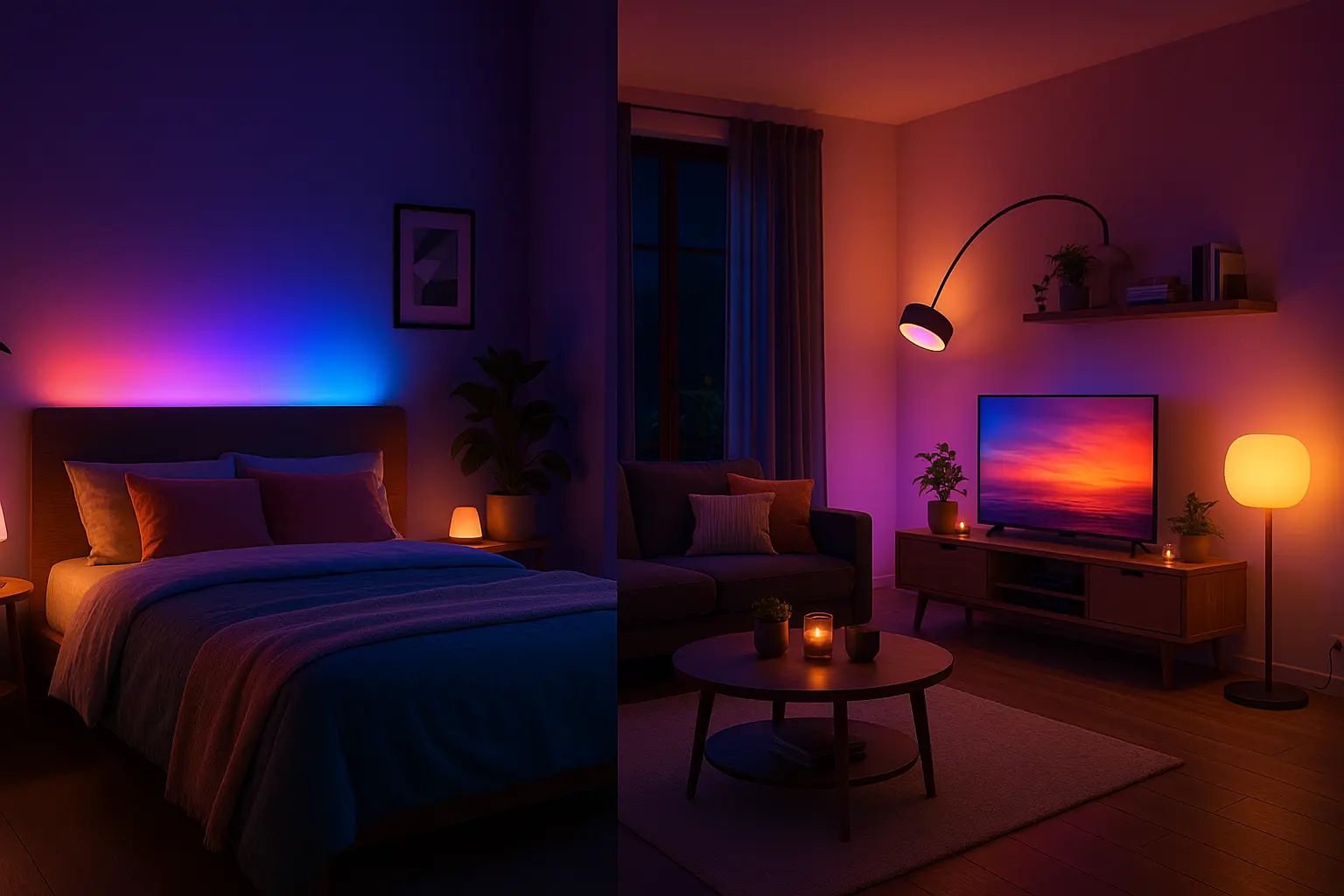
Combine soft pinks and lavenders with slow fades to create a relaxed, intimate atmosphere. Use gradient strips or bulbs grouped near seating for layered color depth.
Nightlight Safety
Very low-intensity warm light (0.5–1%) triggered by motion sensors provides safe low-light navigation without waking sleepers.
Best Philips Hue Scene Ideas for Living Rooms
Living rooms require flexible scenes for watching TV, socializing, and relaxing. These Philips Hue scene ideas focus on zones and layered lighting.
Movie Mode
Dim overheads and use backlight gradients behind the screen. If you have a Hue Sync Box, enable dynamic screen syncing for immersive color matching.
Party Mode
Create dynamic, saturated color loops and animate Hue lightstrips to music. Use high saturation and faster transition speeds for a lively effect.
Reading Mode
Bright, neutral white (3500–4000K) focused on reading areas. Use directional lamps or spotlights to avoid brightening the whole room unnecessarily.
Warm Evening Ambience
Soft warm whites and subdued hues provide a soothing backdrop for evening conversations and relaxation.
Best Philips Hue Scene Ideas for Kitchens
Kitchens need both bright task lighting and comfortable dining scenes. Use distinct zones and quick switches between scenes for best results.
Clean Cooking Mode
Cool white 4000–5000K at higher brightness for food prep and safety. Use under-cabinet strips for shadow-free counters.
Kitchen Warm Glow
For dining, switch to warm 2700K tones at lower brightness to create a cozy meal setting.
Focus Mode
Bright task lighting activated by motion or a dedicated routine for short cooking tasks. Turn off automatically after a timeout.
Seasonal & Holiday Philips Hue Scene Ideas
Seasonal scenes add personality and can be scheduled automatically. Examples below are easy to build with presets and color loops.
- Christmas: Red, green and soft gold cycles with slow transitions.
- New Year: Brighter whites with blue and purple accents for celebration lighting.
- Halloween: Orange and purple flicker effects for playful ambience.
- Spring: Pastel palettes and gentle morning simulation.
How to Create Your Own Hue Scenes (Step-by-Step)
- Open the Hue app. Go to Rooms or Zones and select the lights you want to include.
- Choose a preset or start fresh. Pick colors and brightness for each bulb or group.
- Adjust transitions and animations. Set speed for fades or choose dynamic effects where available.
- Save and name the scene. Use clear names like “Bedroom Sunrise 2025” for easy voice commands.
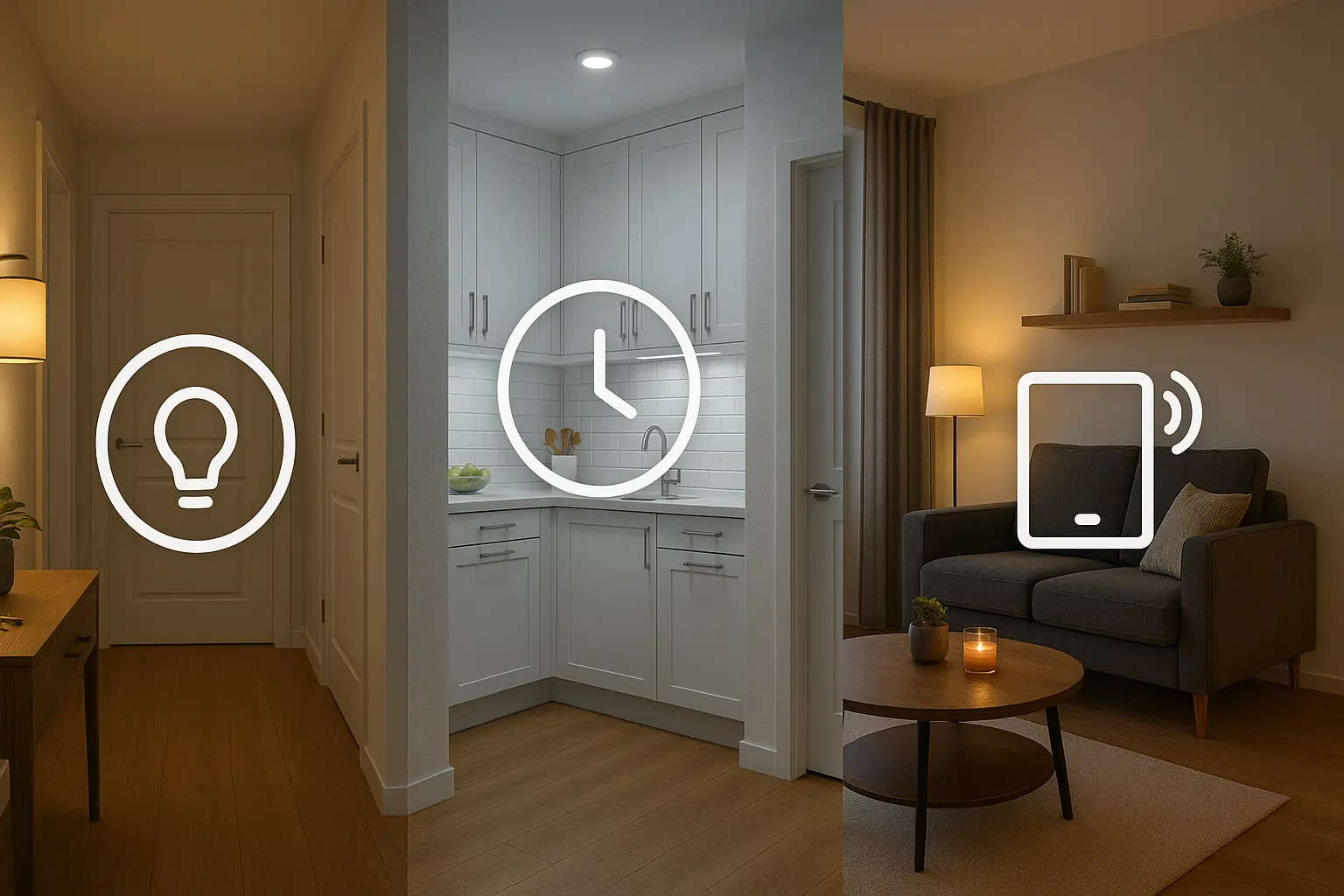
- Add to automations. Use Google Home, Alexa Routines, HomeKit or third-party services to trigger scenes by time, motion, or presence.
Tip: Divide large rooms into zones (e.g., ceiling, reading nook, TV backlight) so scenes feel layered and natural.
Best Accessories for Enhancing Hue Scenes
- Hue Motion Sensor: Auto-activate scenes on movement.
- Hue Dimmer Switch: Quick access to favorites without a phone.
- Hue Gradient Lightstrip: Excellent behind TVs and cabinets for cinematic effects.
- Hue Tap Dial: Physical control for multi-scene switching.
Final Tips for Better Philips Hue Scene Design
- Place bulbs into named zones and keep naming consistent across apps.
- Match color temperature to time of day—cooler in daytime, warmer at night.
- Keep evening brightness low to avoid circadian disruption.
- Combine gradient lightstrips with point-source bulbs for depth.
- Test scenes with the devices you use most (phone voice, voice assistant, physical switch).
Frequently Asked Questions
Can I sync Hue scenes with music?
Yes. Use the Hue Sync app on a PC or Mac or a Hue Sync Box for HDMI sources. Third-party apps and integrations can also provide audio-reactive effects.
What is the best Hue scene for sleeping?
Warm amber tones (1800–2200K) at low brightness are best. Use a gradual dimming routine to help your body prepare for sleep.
Do Hue scenes work with Alexa and Google Assistant?
Yes. You can import saved scenes into Alexa or Google Home routines, and trigger them with voice or schedule them in automations.