What Is Smart Home Vacation Mode?
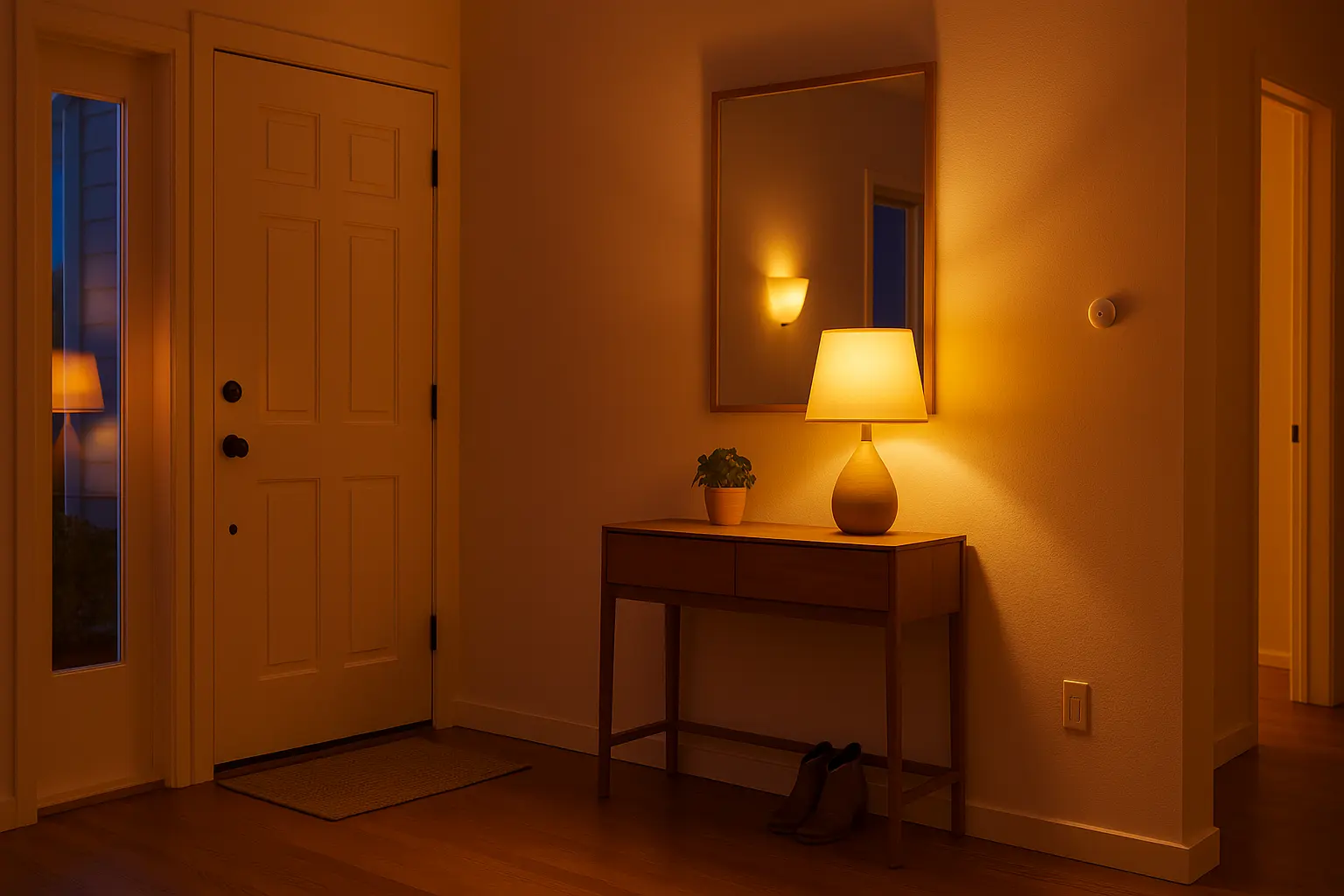
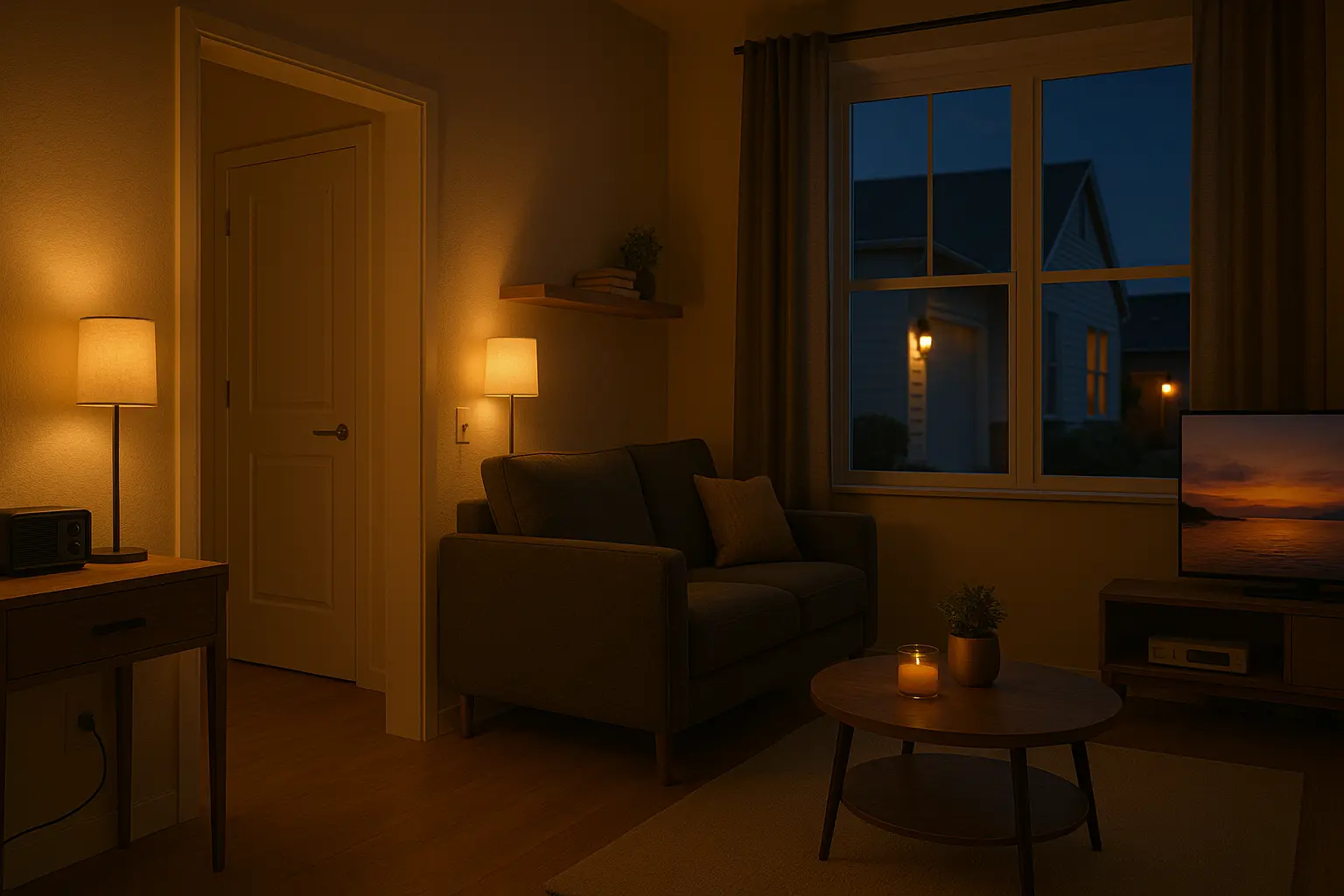
Vacation mode is an automation state that temporarily changes device behavior to simulate occupancy: randomized lighting, scheduled audio, intermittent TV or radio power, and sensor-triggered responses. Unlike simple scheduled timers, a strong smart home vacation mode uses randomness and multiple device layers to avoid obvious repeating patterns.
Well-designed vacation mode balances realism, energy use, and security — making the home look lived-in while minimizing electric waste.
Core Devices You Need for Vacation Mode
- Smart bulbs and lightstrips (Hue, Govee, Lifx) — for zone lighting and color scenes.
- Smart plugs — to control lamps, radios, or small devices.
- Motion sensors — trigger low-level lights or brief activity when motion is detected.
- Smart locks and door sensors — provide security status and alerts.
- Security cameras with cloud recording or local storage.
- Central hub or app (Google Home, Alexa, HomeKit, Hubitat) to schedule and chain automations.
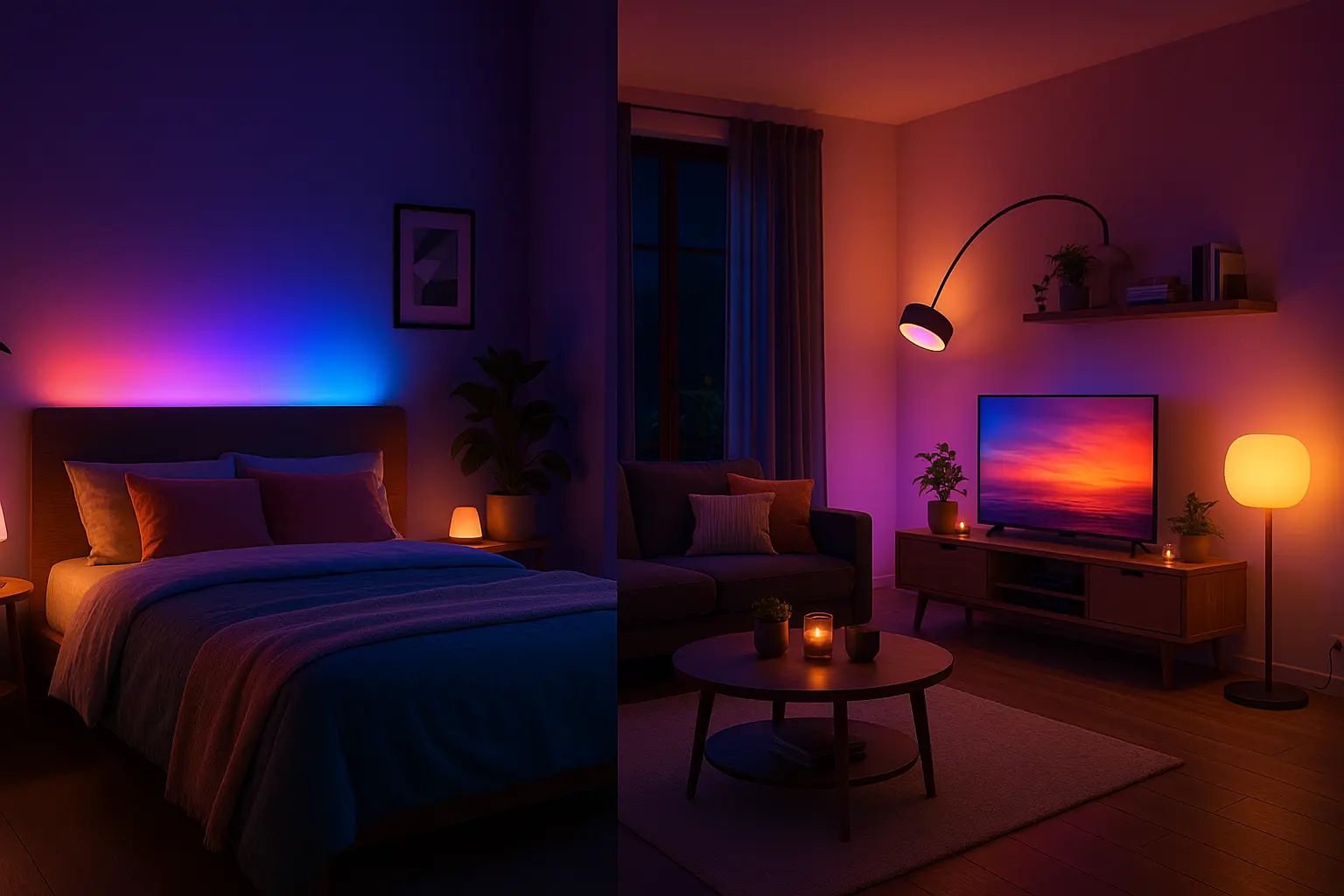
Optional: smart blinds/curtains, exterior lights and a Hue Sync Box for TV syncing when you want to simulate on-screen activity.
Easy Vacation Mode Setup (Beginner)
This beginner-friendly setup uses the built-in routines of Google Home, Alexa, or HomeKit and does not require IFTTT or third-party servers.
- Create an Away routine: In your assistant app, create a new routine called “Vacation Mode” or “Away Mode.”
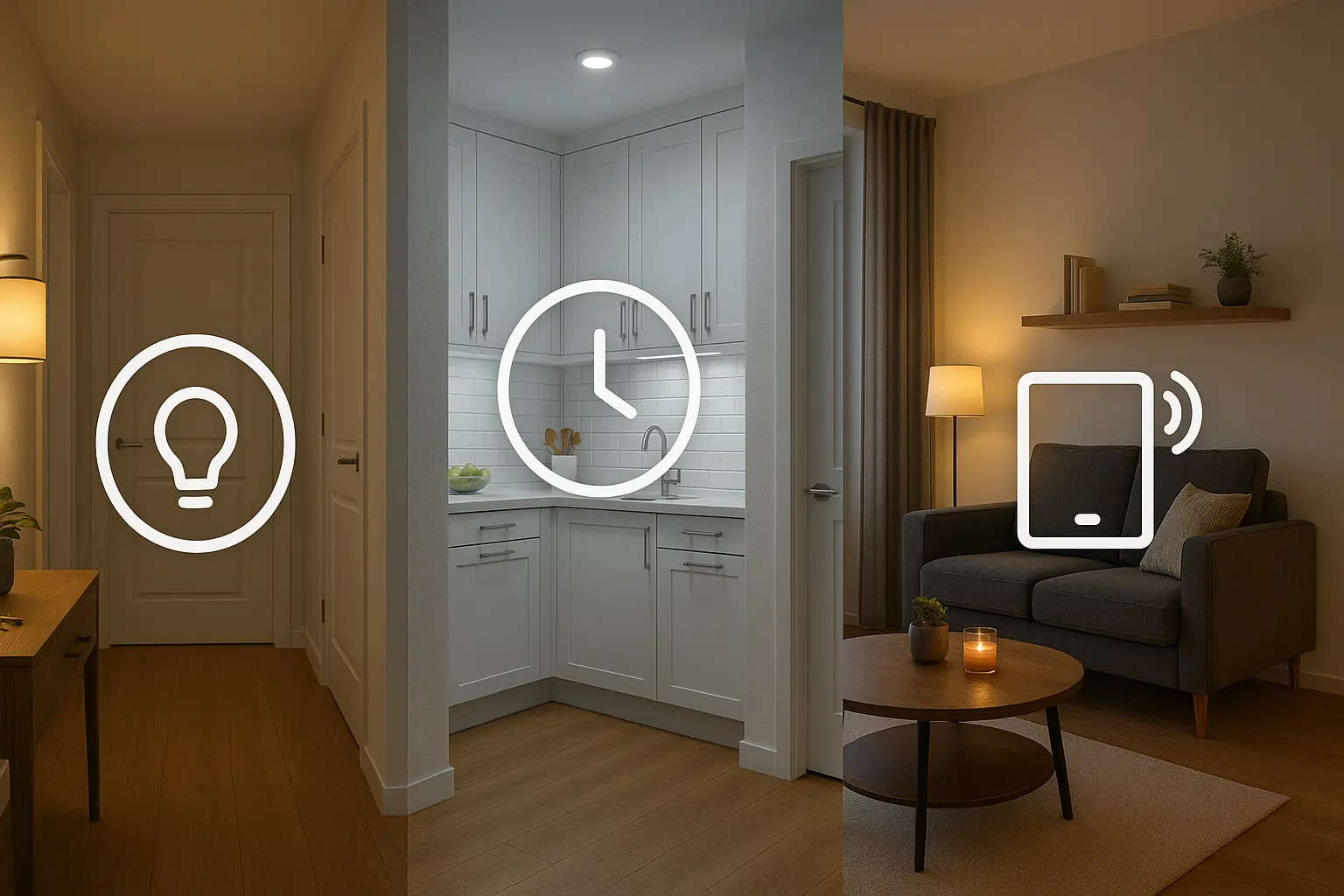
- Randomized lighting: Schedule multiple lighting actions across different times (for example: 19:00 living room on, 19:20 kitchen lamp on, 20:15 living room off). Stagger times on different days to avoid exact repetition.
- Smart plugs for media: Use a smart plug to power a radio or a low-power TV clip for 10–30 minutes in the evening to simulate activity.
- Motion sensor integration: Set motion sensors to trigger a small hallway light for 1–2 minutes when motion is detected during evening hours.
- Alert forwarding: Ensure phone notifications are enabled for door sensors or security cameras while you are away.
Tip: Use the “randomize” or “sunset-based” scheduling (sunset± offsets) when available to make lighting patterns more natural.
Advanced Vacation Mode Setup (Intermediate → Advanced)
Advanced setups use randomness, presence detection, and chained automations to be more convincing.
1. Use IFTTT or Home Automation Hubs
Use IFTTT, Hubitat, or Home Assistant to trigger actions based on more complex conditions (for example: if no one is home AND it is after sunset, run a randomized evening lighting sequence).
2. Presence & Multi-Condition Logic
Combine geofencing with device presence. Require both “phone away” and “motion not detected for X minutes” before enabling deep vacation behaviors to avoid accidental activations.
3. Randomized Schedules
Create multiple pre-set lighting groups and randomly select one per evening. Add probabilistic delays so the run times vary day-to-day.
4. Smart Camera and Alert Automation
When a camera detects motion, you can momentarily turn on exterior lights, record a clip, and send an alert with a snapshot. Use a “safety chain” to respond without creating unnecessary noise.
Advanced resource: Use local automation via Home Assistant or Hubitat to keep routines private and more reliable when internet access is spotty.
Security & Privacy Tips for Vacation Mode
- Do not post travel plans publicly. Avoid geo-tagged social updates while away.
- Give a neighbor temporary access for physical checks rather than relying solely on automation.
- Keep firmware updated and enable two-factor authentication on smart accounts.
- Limit cloud access and prefer local automation if privacy is a concern.
- Test your vacation mode at home for a few days before you travel to confirm behaviors and notification delivery.
Official support pages for further reading: Google Home routines, Philips Hue official.
Frequently Asked Questions
Will vacation mode drain my battery or cost a lot of energy?
If designed correctly, vacation mode uses low-power actions (short lighting sessions, low brightness) and should not significantly increase energy use. Use short durations and limit high-power devices.
Can I simulate TV activity without keeping a TV on all night?
Yes. Use a smart plug to power a low-energy media device or a streaming stick for brief intervals, or use Hue backlighting effects that mimic on-screen color without powering an actual TV for hours.
What if my automation fails while I’m away?
Enable alert forwarding to your phone or an alternative contact. Test automations before travel and consider a trusted neighbor for a manual check.