Beginner Smart Home Routine Ideas
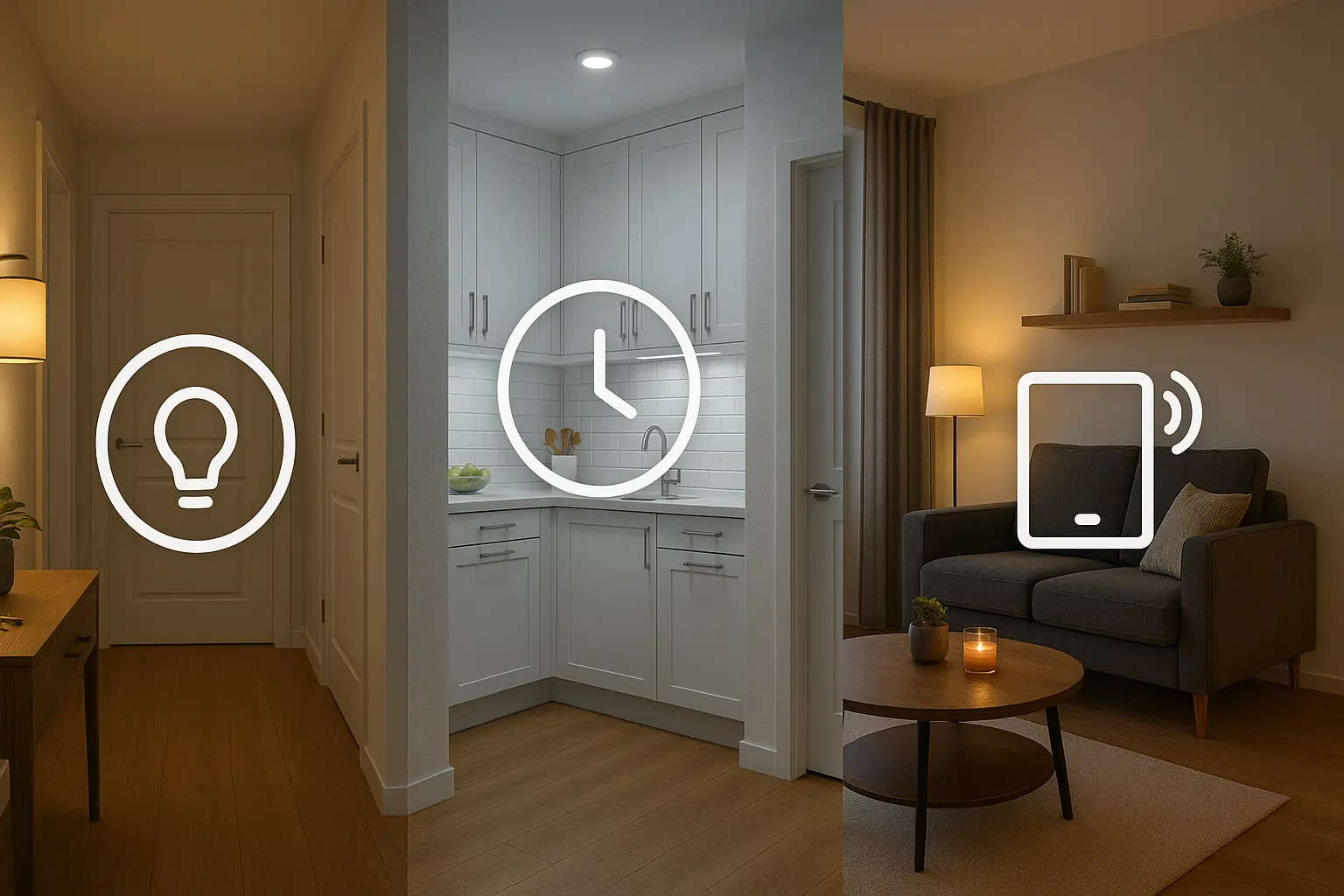
Start with simple, reliable routines that improve daily life and require minimal setup. These smart home routine ideas are ideal if you have a few smart bulbs, plugs, or a voice speaker.
Morning Wake-Up Routine
Create a morning routine that gradually brightens bedroom lights, turns on a kettle (via a smart plug), and plays a short news briefing or playlist. Use a time-based trigger (for example, 7:00 AM) and add conditions like weekdays only.
Night / Bedtime Routine
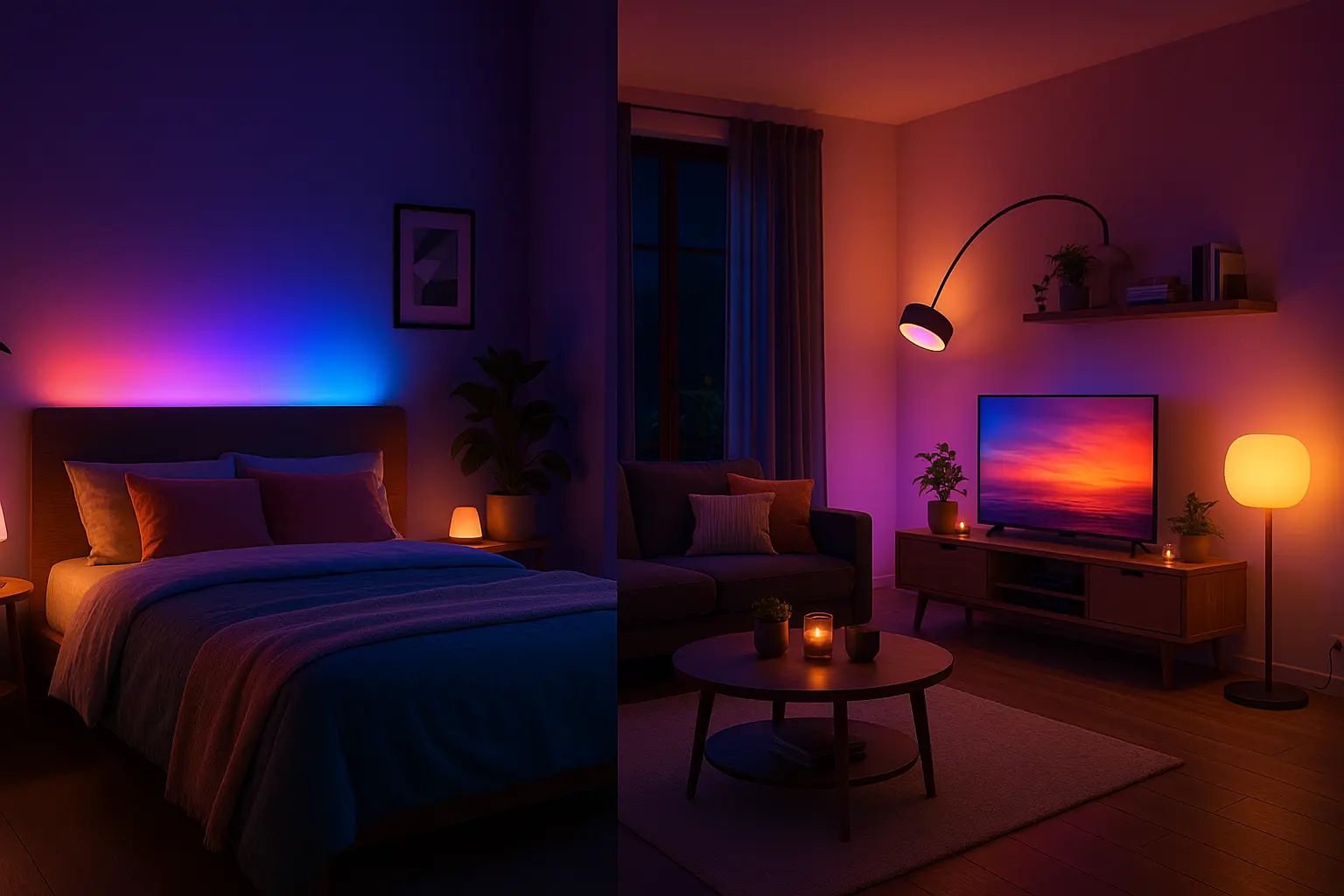
A bedtime routine can lower lights to warm tones, lock smart locks, and set the thermostat to a sleep temperature. This smart home routine idea reduces blue light and helps prepare your body for rest.
Arrive Home Routine
Use phone-based presence or geofencing to turn on entry lights and unlock a smart lock when you arrive. Add a short delay or require two conditions (phone plus motion) to avoid false triggers.
Leave Home Routine
Turn off all non-essential devices, switch the thermostat to eco mode, and enable security cameras when the house is empty. This routine helps save energy and protect your home.
Scheduled Smart Plug Routines
Schedule smart plugs for lamps, coffee makers, or fans. Using sunrise/sunset triggers is especially useful for seasonal changes and maintaining consistent lighting behavior.
Intermediate Routine Ideas
These smart home routine ideas use sensors, multi-device groups, and conditional logic to deliver smarter responses.
Motion-Triggered Welcome Lights
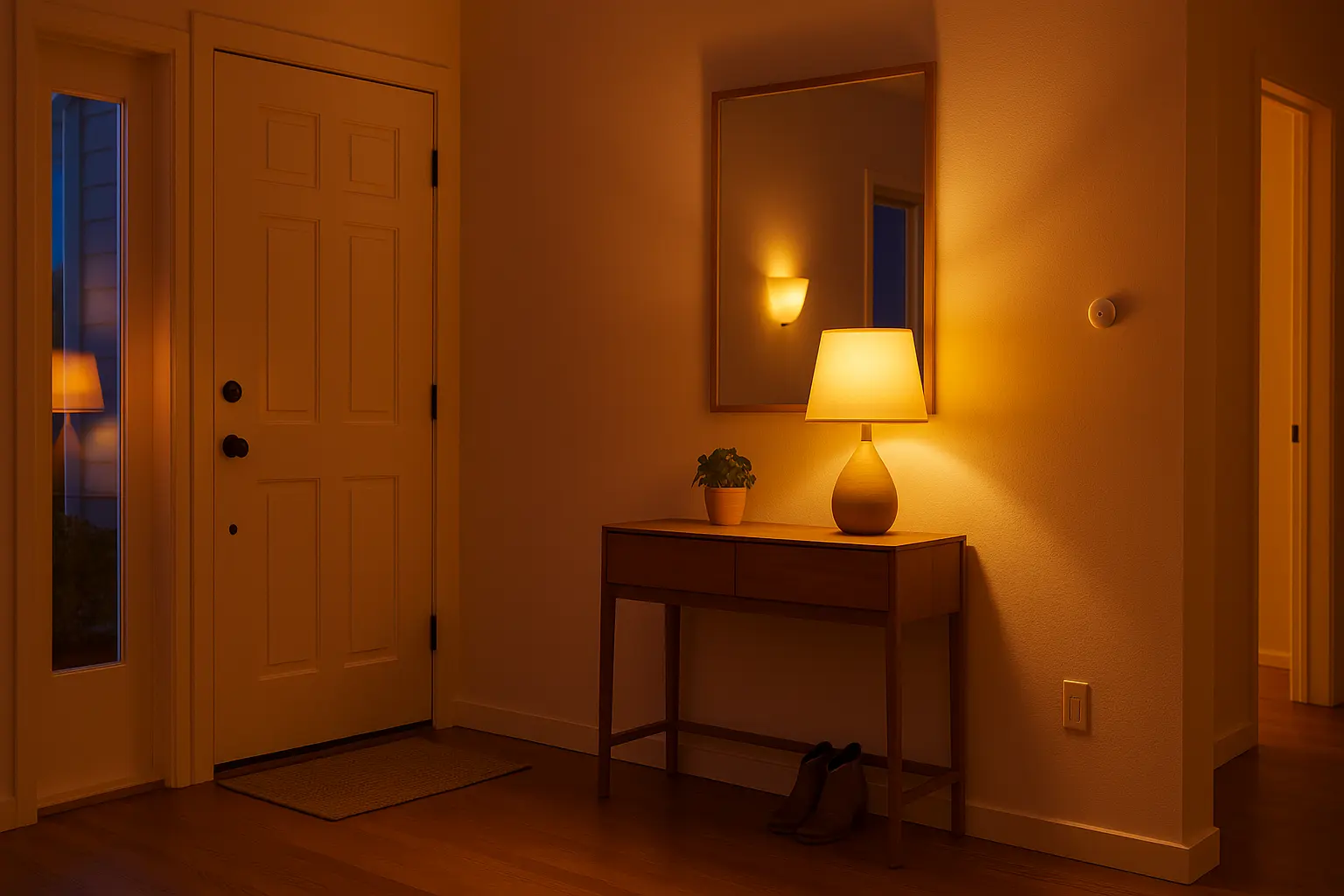
Combine a motion sensor near the entrance with a scene that sets hallway and living room lights. Add a timeframe (after sunset) so lights only activate at night.
Work-From-Home Focus Mode
When a calendar event labeled “Focus” starts, enable a bright neutral scene, activate a “Do Not Disturb” mode for notifications, and mute house speakers. Useful for blocking interruptions during focused work.
Energy Saver Routine
When the energy cost enters a peak period (via a webhook or utility integration), dim non-essential lights and defer high-energy tasks. Some smart plugs and thermostats provide APIs you can integrate with IFTTT or your automation hub.
Multi-Room Audio On Demand
Activate a multi-room speaker group for morning music or an announcement routine. Combine voice command triggers with scheduled routines for daily briefing playback.
Advanced Routines Using IFTTT, Webhooks, and Matter
Advanced smart home routine ideas use cross-platform connectors like IFTTT, webhooks, and Matter-compatible automations to chain multiple actions across brands.
Weather-Responsive Routines
Use a weather trigger to close motorized blinds on hot afternoons, dim lights on cloudy days, or send a phone alert if heavy rain is predicted. This improves comfort and protects devices or plants.
Presence-Based Multi-User Profiles
Detect which household members are home (via phone or Bluetooth beacons) and set personalized scenes or temperature preferences automatically for each person.
Security Response Chains
If a door sensor triggers while the house is in away mode, turn on exterior lights, start camera recording, and send a real-time alert with a camera snapshot to your phone.
Automated Routine Chains
Create multi-step chains (for example: if thermostat detects low temperature → turn on heater plug → close smart blinds → set warm lighting scene) using a hub or automation platform that supports conditional flows.
Recommended advanced resource: Google Home automation and routines (support).
Routine Ideas by Ecosystem: Google Home, Alexa, and HomeKit
Google Home Routine Ideas
Google Home supports time triggers, geolocation, and assistant-based actions. Use Google’s scheduler and device groups to implement many of the smart home routine ideas above.
Alexa Routine Ideas
Alexa routines offer robust device triggers including motion, sound detection, and skill-based integrations. Use Alexa Routines for multi-room audio and complex conditional flows.
Apple HomeKit Routine Ideas
HomeKit local automations are privacy-focused and reliable for presence and sensor-based routines. Use HomeKit for sensitive automations and local-only triggers when possible.
Tips for Creating Reliable Automations
- Name devices clearly and organize them into rooms and zones.
- Test each smart home routine idea individually before combining them.
- Add fallback or cancel conditions to prevent false triggers (for example, check for device online state).
- Use motion sensor timeouts and presence verification to avoid constant toggling.
- Document your routines (simple list) so family members understand expected behavior.
Frequently Asked Questions
Why aren’t my routines triggering consistently?
Check device connectivity, battery levels on wireless sensors, and location permissions for phone-based presence. Confirm the devices are assigned to the correct room and that apps have necessary permissions.
Can I run routines without internet access?
Local automations in HomeKit and some Matter-enabled setups run without internet. Cloud-based services and cross-platform integrations generally require internet connectivity.
How can I test a new routine safely?
Test in a controlled timeframe (short duration or single-room) and monitor the initial runs. Use manual triggers first, then switch to automated triggers once stable.