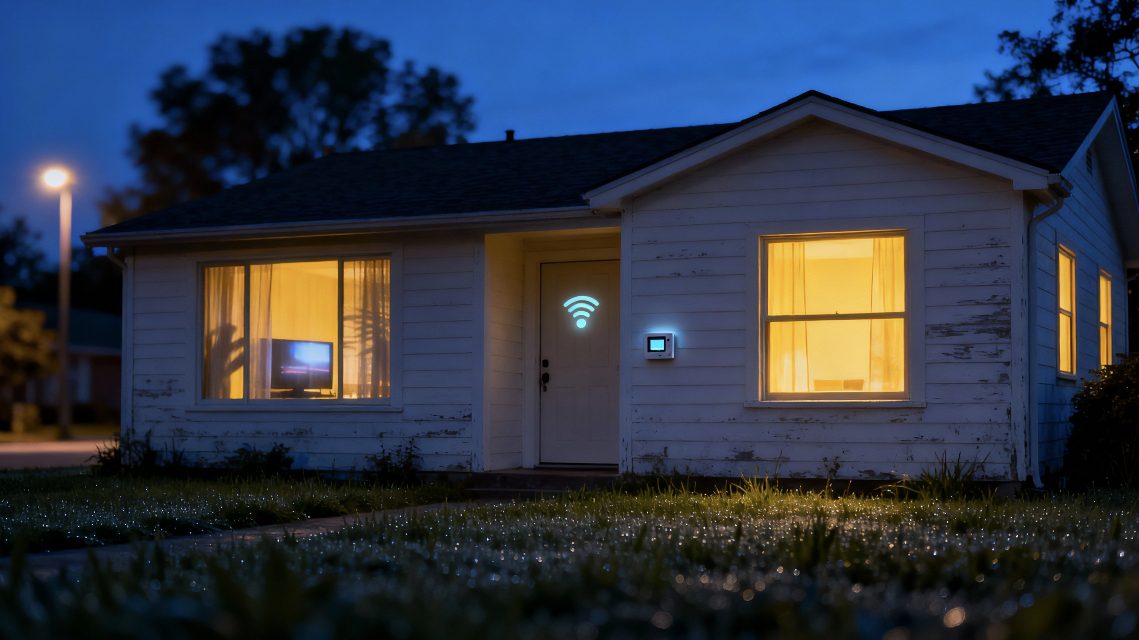
As a Smart Home Integrator with a focus on security, I often tell my clients that the best defense is a good offense. While cameras and alarms are fantastic for reacting to a break-in, the ultimate goal is to deter a potential intruder from ever targeting your home in the first place. And the single best deterrent? Making your house look like someone is home, even when you’re miles away enjoying a vacation.
For decades, the best we could do was a simple mechanical timer on a single lamp, turning on and off at the exact same time every night—a dead giveaway to any observant burglar. But with the power of a modern smart home, we can do so much better. We can create a dynamic, realistic “Vacation Mode” that mimics the natural, random patterns of daily life.
In this guide, I’ll walk you through my professional blueprint for creating a powerful and convincing Vacation Mode routine. We’ll use a combination of smart lights, plugs, and scheduling features to create a “ghost” of your family’s presence, providing a huge boost to your peace of mind while you’re away.
The Goal: Mimicking the Rhythm of a Real Day
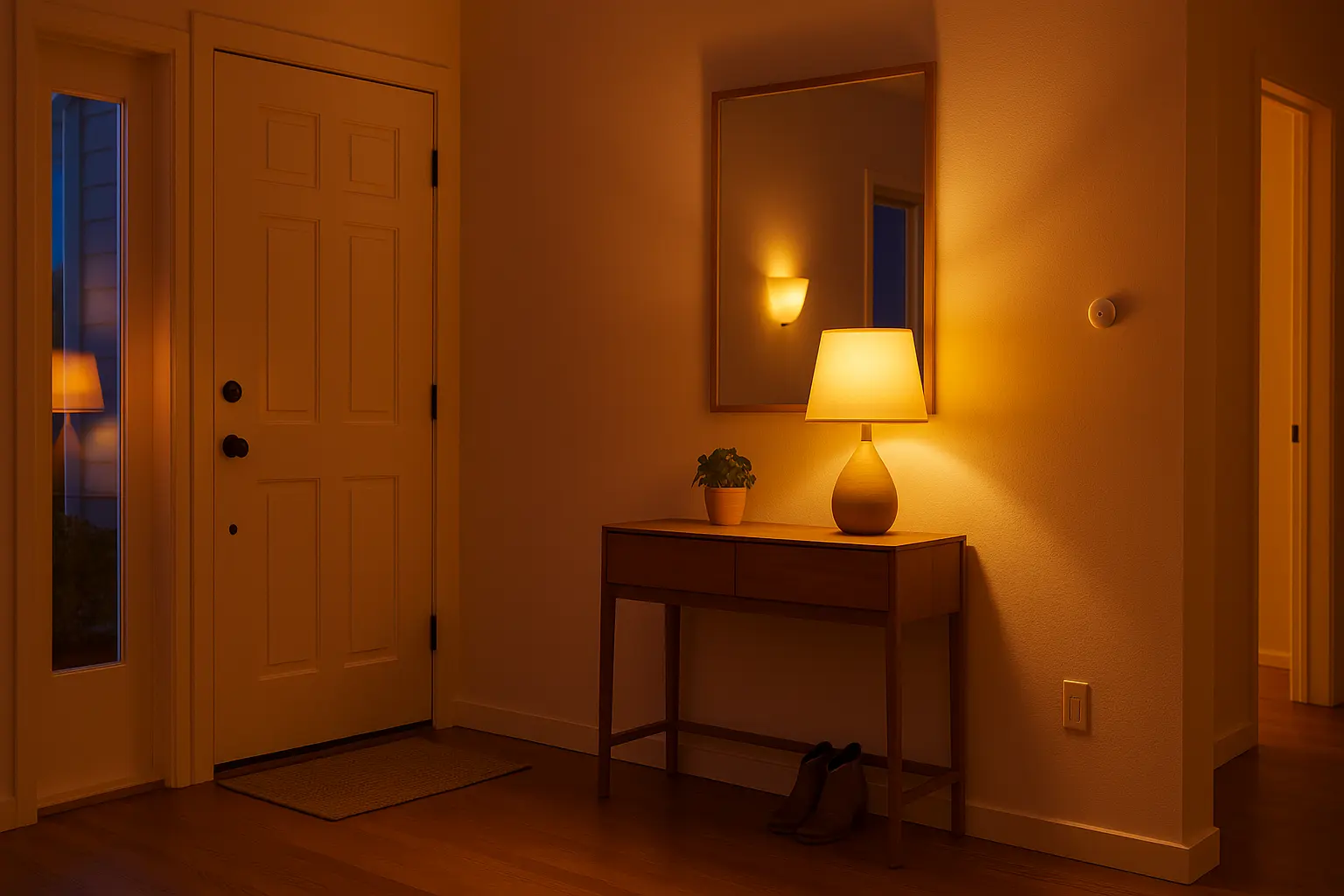
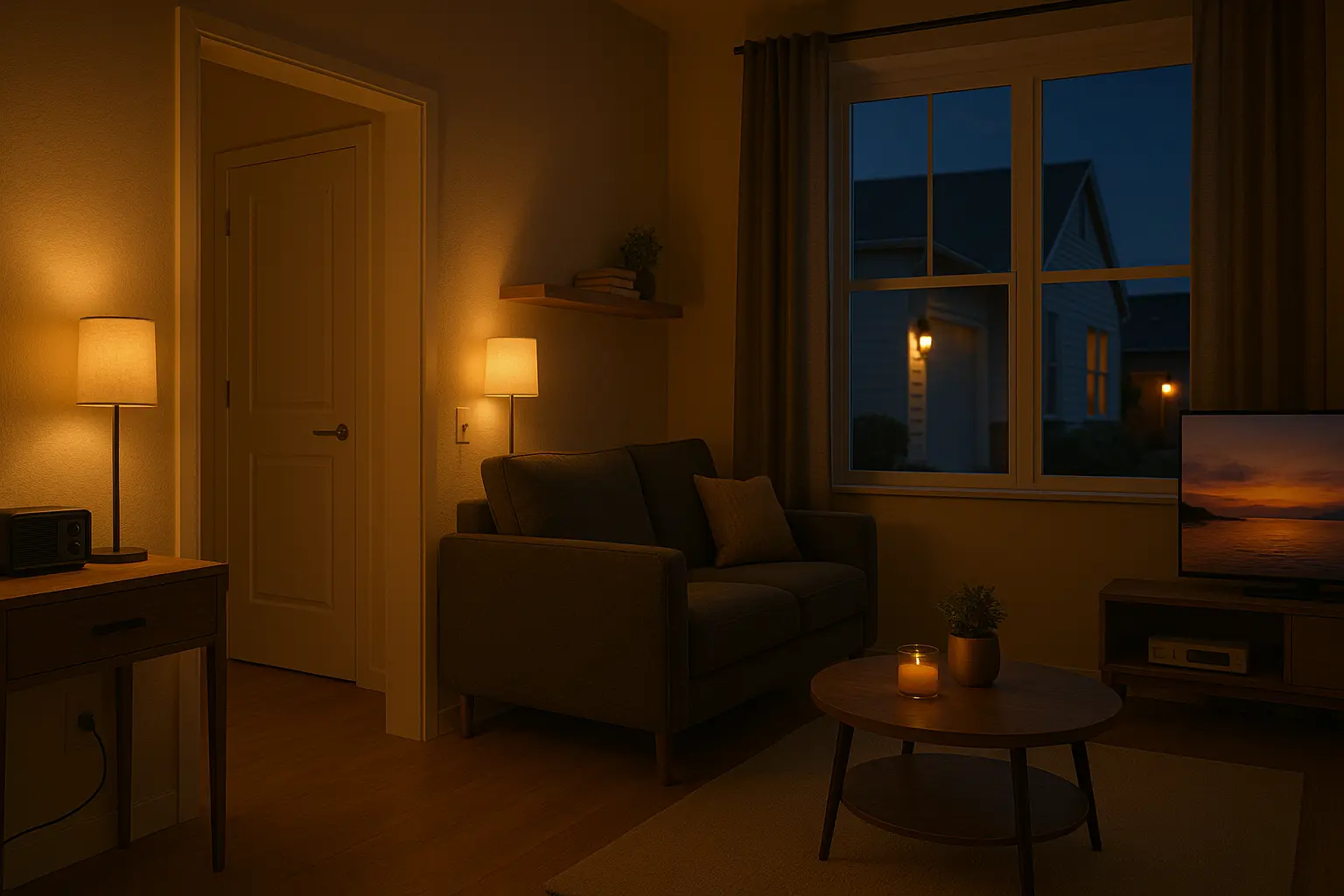
A successful Vacation Mode isn’t just about turning lights on and off. It’s about simulating a believable daily schedule. A real home isn’t static. Lights turn on in different rooms as the evening progresses, the TV flickers, and then everything goes dark late at night. Our routine needs to replicate this natural rhythm.
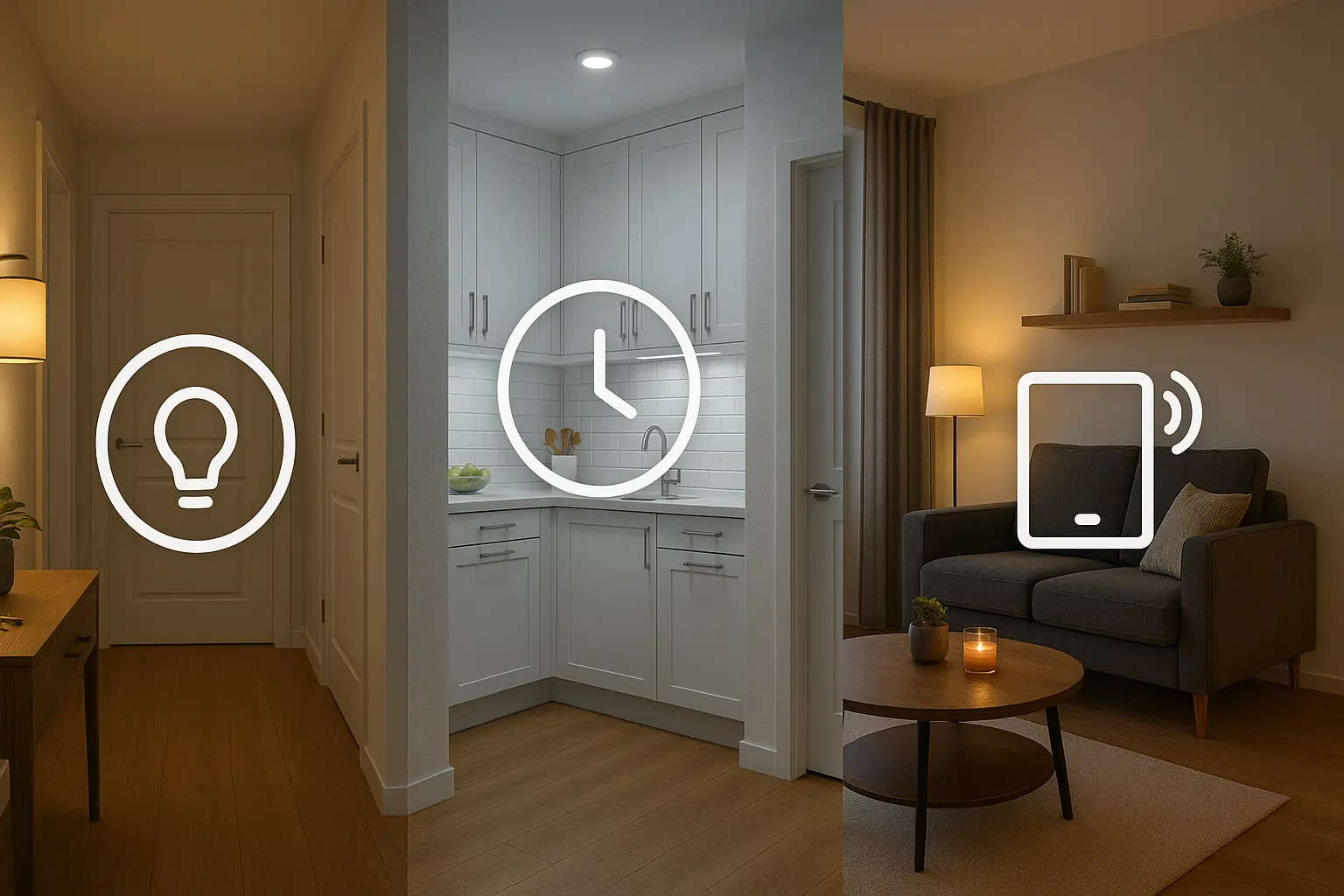
Our automation will be built on three key pillars:
- Randomized Lighting: Lights shouldn’t turn on at 7:00 PM on the dot every night.
- Multi-Room Simulation: Activity should move through the house as it would normally.
- Daytime Silence: A house that’s lit up during the day is a clear sign of a basic timer.
The Tools: Your “Vacation Mode” Starter Kit
You don’t need a complex system to achieve this. A few key devices are all it takes:
- Smart Lights: A few smart bulbs (like Philips Hue or Wyze) or smart switches (like Kasa or Lutron) in key, highly-visible rooms are essential. Focus on the living room, kitchen, and master bedroom.
- Smart Plugs: A couple of smart plugs are perfect for adding “dumb” devices like a lamp, a radio, or a TV to your routine.
- A Smart Assistant App: Both the Amazon Alexa app and the Google Home app have the scheduling and randomization features we need.
Building the Routine: A Step-by-Step Blueprint
Many smart home apps have a built-in “Vacation Mode” or “Guard” feature that provides simple randomization. For example, Alexa Guard can do this automatically. However, I prefer to build a custom routine for a more realistic and powerful effect. Here’s how I structure it, using the Alexa app as our example.
Instead of one giant routine, we’ll create a few smaller, time-based routines that represent different parts of the evening.
Routine 1: “Evening Arrival”
This routine simulates someone coming home from work and settling in for the evening.
- Trigger: Schedule -> Every Day. Here’s the key: instead of a fixed time, choose “Sunset”. This is far more natural than a set time, as the “on” time will change throughout the year.
- Actions:
- Turn on the “Living Room Lamp” (smart plug).
- Turn on the “Kitchen Lights” to 70% brightness.
Routine 2: “Late Evening / TV Time”
This simulates the family moving from the kitchen to the living room to watch TV.
- Trigger: Schedule -> Every Day at a specific time, but with randomization. In Alexa, you can set a time and then choose to have it run within a “Time Window.” I’ll set it for 8:00 PM, with a 30-minute random window. This means the routine will run at a slightly different time each night.
- Actions:
- Turn OFF the “Kitchen Lights.”
- Dim the “Living Room Lamp” to 30%.
- (The Pro Move) Turn ON a smart plug connected to a TV or a “Fake TV” simulator device. A Fake TV is a small LED device that mimics the flickering light and color changes of a real television, making it look like someone is watching a show from outside.
Routine 3: “Bedtime”
This simulates moving from the main living area to the bedroom.
- Trigger: Schedule -> Every Day, randomized. Let’s set it for 10:30 PM, with a 45-minute random window.
- Actions:
- Turn OFF the “Living Room Lamp.”
- Turn OFF the “TV” smart plug.
- Turn ON the “Bedroom Lamp” to 50% brightness.
Routine 4: “Lights Out”
The final shutdown for the night.
- Trigger: Schedule -> Every Day, randomized. Let’s set it for 11:15 PM, with a 20-minute random window.
- Actions:
- Turn OFF the “Bedroom Lamp.”
The Final Layer: Activating “Vacation Mode”
Now we have four scheduled routines that will run every day. How do we make them only run when we’re actually on vacation?
My Personal “Arming” Method:
This is the simple but effective trick I use in my own home. I create two more routines that act as the master switch for the entire system.
Routine 1: “Alexa, we’re leaving.”
- Trigger: Voice command.
- Actions:
- “Enable the ‘Evening Arrival’ routine.”
- “Enable the ‘TV Time’ routine.”
- “Enable the ‘Bedtime’ routine.”
- “Enable the ‘Lights Out’ routine.”
- Alexa says: “Okay. Vacation Mode is armed. Have a great trip.”
Routine 2: “Alexa, we’re home.”
- Trigger: Voice command.
- Actions:
- “Disable the ‘Evening Arrival’ routine.”
- “Disable the ‘TV Time’ routine.”
- “Disable the ‘Bedtime’ routine.”
- “Disable the ‘Lights Out’ routine.”
- Alexa says: “Welcome home. Vacation Mode is disarmed.”
The Result: The four scheduled routines are dormant and do nothing until I “arm” the system with a single voice command as I walk out the door. When I return, another simple command disables them. This gives me complete control and prevents the house from running the ghost schedule when I’m actually home.
My Final Verdict: An Essential Tool for Peace of Mind
A well-crafted Vacation Mode is one of the most practical and reassuring features a smart home can offer. It’s a security system that works through subtlety and deception rather than loud sirens.
By moving beyond a simple on/off timer and creating a dynamic, multi-room schedule that uses randomization, you can create a convincing illusion of presence. It’s a simple weekend project that provides a powerful layer of security, letting you truly relax and enjoy your time away from home.