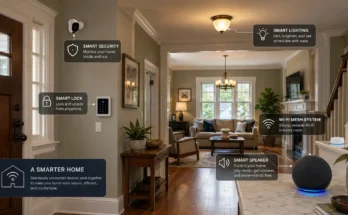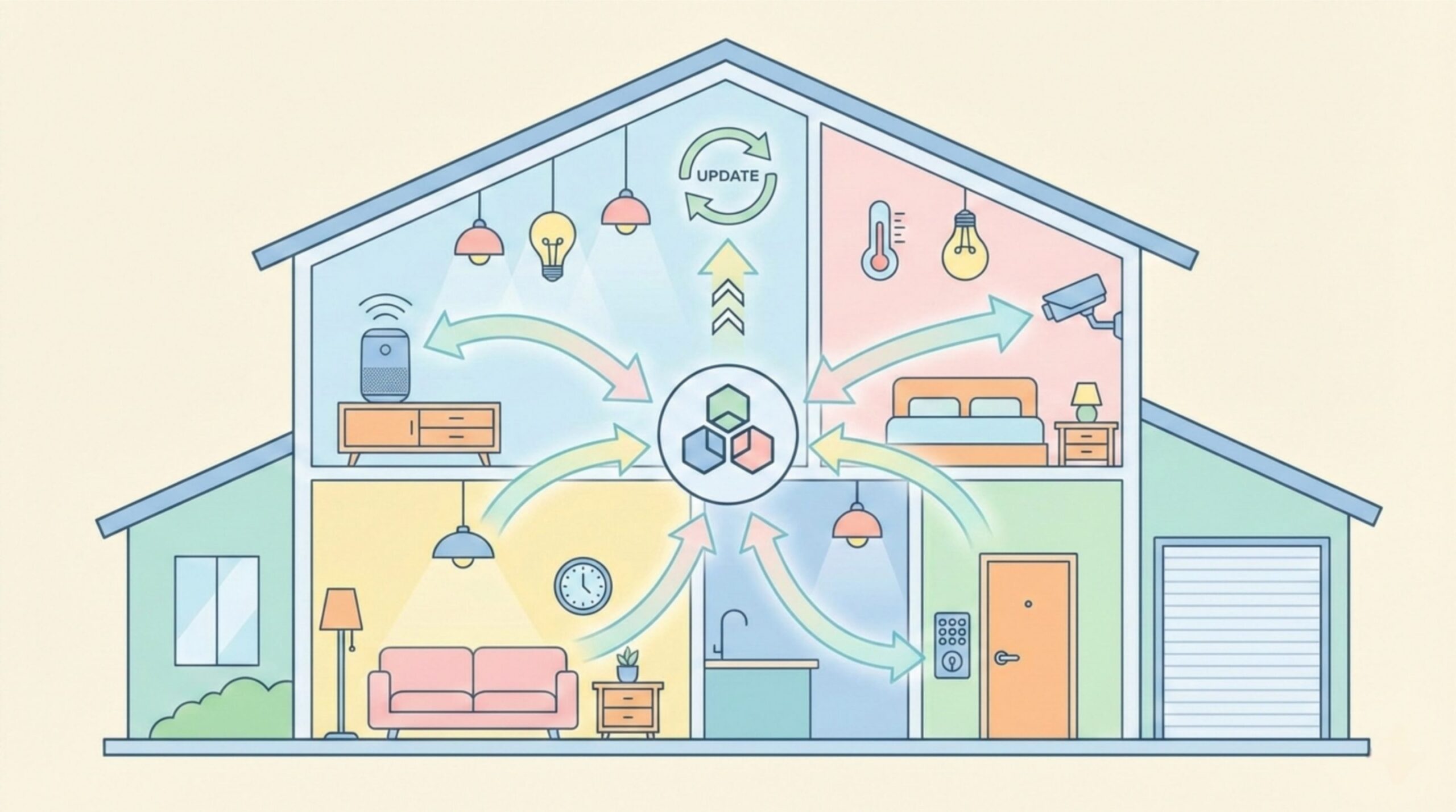
Matter is revolutionizing smart home interoperability, but one critical feature often goes unnoticed: firmware updates. Over-the-air (OTA) updates keep Matter devices secure, add features, and fix bugs without you needing to lift a finger. In this guide, you’ll learn exactly how Matter firmware updates work, who manages them, and what you can do to ensure smooth updates in 2026.
What is Matter and Why Firmware Updates Matter
Matter is an open, royalty-free connectivity standard developed by the Connectivity Standards Alliance (CSA) and backed by tech giants like Apple, Google, Amazon, and Samsung. Its goal: make smart home devices from different brands work together seamlessly.
The Matter Standard and Interoperability
Matter defines not just communication protocols, but also requirements for device behavior, security, and lifecycle management—including firmware updates. Unlike proprietary systems where each vendor controls updates, Matter establishes a unified mechanism that works across brands.
Why OTA Updates Are Critical for Security and Features
Smart home devices are long-lived—often 5-10 years. Security threats evolve. Without regular updates, devices become vulnerable. OTA updates let manufacturers patch vulnerabilities, improve performance, and add new capabilities remotely. For Matter, this is even more important because a single vulnerability could affect devices across multiple ecosystems (Google Home, Apple Home, Alexa).
How Matter Device Firmware Updates Work
The Matter update process is designed to be reliable, secure, and user-transparent. Here’s how it operates.
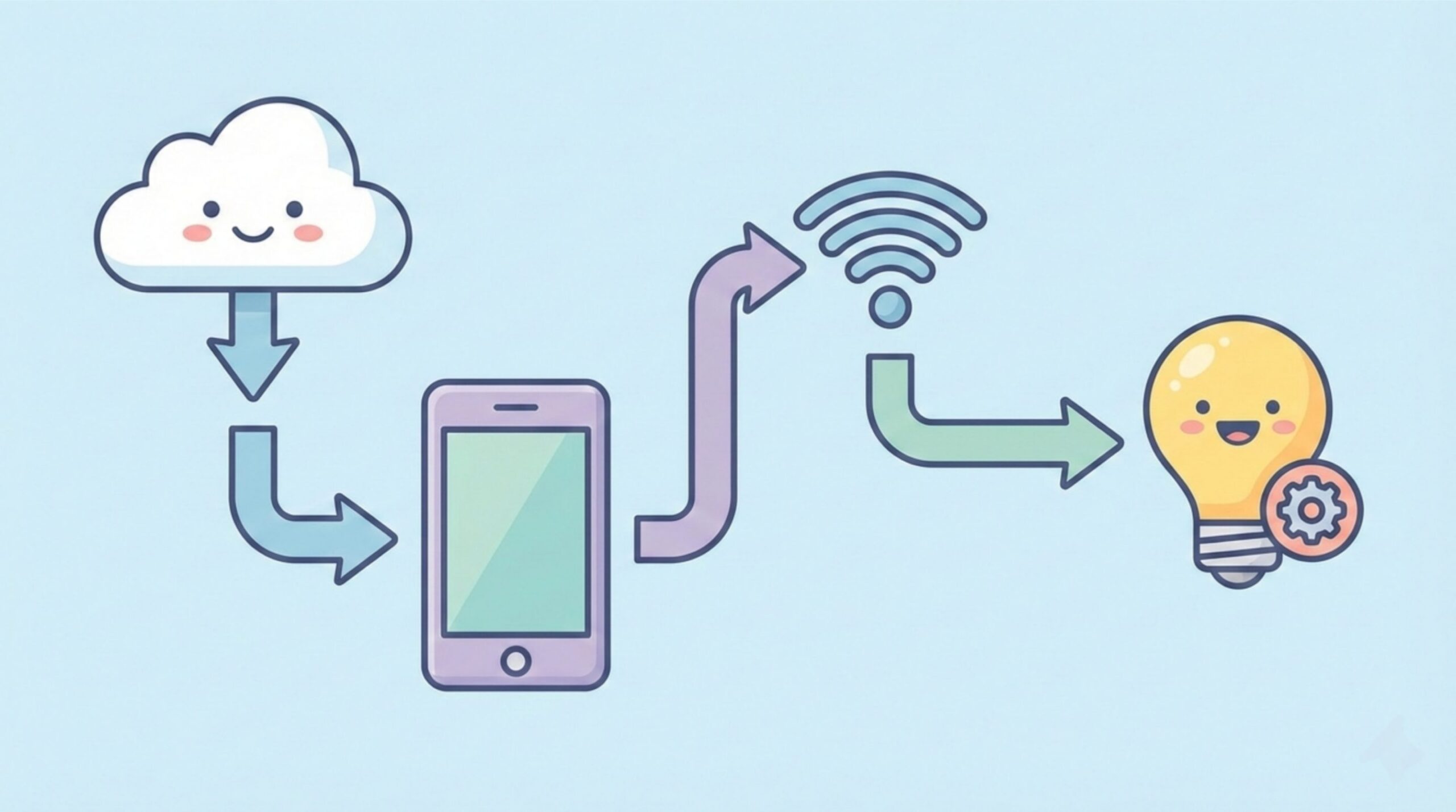
The OTA Update Process Overview
- Manufacturer releases update: The device manufacturer (e.g., Yale, Philips, Nanoleaf) develops a new firmware version and signs it with their private key.
- Update published to manufacturer’s server: The firmware binary and manifest (metadata) are uploaded to the manufacturer’s OTA server.
- Matter controller checks for updates: Your Matter controller (could be a phone app, smart hub, or voice assistant) periodically queries the manufacturer’s server for available updates for devices in your network.
- Download and verification: If an update is available, the controller downloads it. The device firmware is cryptographically verified using the manufacturer’s public key to ensure authenticity and integrity.
- Installation: The update is transferred to the target device (over Thread, Wi-Fi, or Ethernet). The device installs it, often during a low-activity period or when on sufficient power.
- Reboot and validation: The device reboots with new firmware. The controller confirms successful installation.
Update Distribution: Manufacturer vs. Matter Controller
Matter does not mandate a central update server. Instead, each manufacturer hosts their own OTA server. The Matter controller (e.g., Google Home app) must know where to check for each device type. This is handled by the device’s product firmware information, which includes the update server URL and certificate.
Versioning and Rollback Mechanisms
Matter uses semantic versioning. Updates are optional but recommended. Devices typically store two firmware versions; if an update fails, they can roll back to the previous working version automatically. This brick protection is crucial for reliability.
Role of the Matter Controller
The controller orchestrates updates but doesn’t host the firmware. Understanding controller responsibilities helps troubleshoot.
Which Devices Act as Controllers?
Controllers can be:
- Phone apps: Google Home, Apple Home, Amazon Alexa apps on iOS/Android
- Smart hubs: Google Nest Hub, Amazon Echo (4th gen), Apple TV, HomePod
- Dedicated Matter controllers: Some third-party hubs
The first controller that discovers a device often becomes its primary updater. You can designate a preferred controller in some ecosystems.
How Controllers Check for Updates
Controllers typically check daily or weekly. The frequency may vary by implementation. You can often manually trigger a check in the controller’s app (e.g., “Check for updates” in device settings).
Scheduling and User Control
Matter allows updates to be scheduled for off-hours. Users can usually postpone updates (e.g., ” Tonight” or ” Remind me in 3 days”). However, critical security updates may be强制 after a grace period. The controller respects device state (e.g., won’t update a battery-powered sensor during heavy use).
Best Practices for Users
To ensure smooth updates, follow these guidelines.
Keep Your Controller Updated
Your controller’s own software must be current to understand the latest Matter OTA protocols. Enable automatic updates for your phone, hub, or voice assistant.
Maintain Stable Internet for OTA Downloads
OTA downloads happen via the controller’s internet connection. Ensure your controller device (phone or hub) has reliable Wi-Fi or cellular. Interruptions can corrupt downloads and cause retries.
Monitor Update Notifications
When an update is available, your controller app or hub will usually notify you. Address these promptly, especially security updates. Don’t ignore them indefinitely.
Troubleshooting Failed Updates
Even with robust design, updates can fail. Here’s how to handle common issues.
Common Failure Reasons
- Low battery: Battery-powered devices may postpone updates until charging.
- Network drop: Wi-Fi/Thread interruption during download.
- Insufficient storage: Rare, but possible on devices with limited flash.
- Server issues: Manufacturer’s OTA server down or misconfigured.
How to Retry or Force an Update
- Restart the device: Power cycle the target device and controller.
- Check internet: Ensure controller has connectivity.
- Manually trigger: In the controller app, look for “Check for updates” or “Update firmware” in device settings.
- Wait and retry: Some failures are transient; retry after a few hours.
When to Contact Support
If updates consistently fail after multiple attempts, reach out to the device manufacturer. Provide device model, firmware versions, and error messages if available.
Future of Matter Updates
The Matter ecosystem is evolving rapidly. Future improvements promise even smoother updates.
Predictions for 2026 and Beyond
- Predictive update scheduling: Controllers learn your activity patterns to schedule updates at optimal times.
- Faster rollouts: Manufacturers adopting incremental updates (delta patches) to reduce download size and time.
- Multi-cast distribution: One update broadcast to multiple devices of the same model on the same network, reducing server load.
More Devices, Seamless Updates
As Matter adoption grows, the OTA infrastructure will scale. Expect near-invisible updates that happen in the background without user intervention, similar to smartphone updates.
FAQ
Do Matter devices update automatically?
Yes, usually. The controller automatically downloads and installs updates, often during off-hours. You may get a notification, but many updates are silent.
Can I postpone an update?
Generally yes. You can snooze updates for a few days. Critical security patches may eventually become mandatory after repeated postponements.
What happens if an update fails?
The device rolls back to the previous firmware and remains functional. The controller will retry later. You’ll be notified of the failure.
Are updates free?
Yes. Matter OTA updates are provided by manufacturers at no charge. There is no subscription for firmware updates.
How long do updates take?
Most updates complete within 5-15 minutes, depending on firmware size and network speed. The device may restart once.
Internal Links to Relevant Articles
- What is a Smart Home? A Simple Guide for Absolute Beginners
- Understanding Smart Home Protocols: Wi-Fi, Zigbee, and Z-Wave Explained
- Matter over Thread vs Matter over Wi-Fi: Which is Right for Your Smart Home?
References
For authoritative details on Matter specifications and OTA update mechanisms, consult these official sources: